Chrome extension · 0→1 · 2026
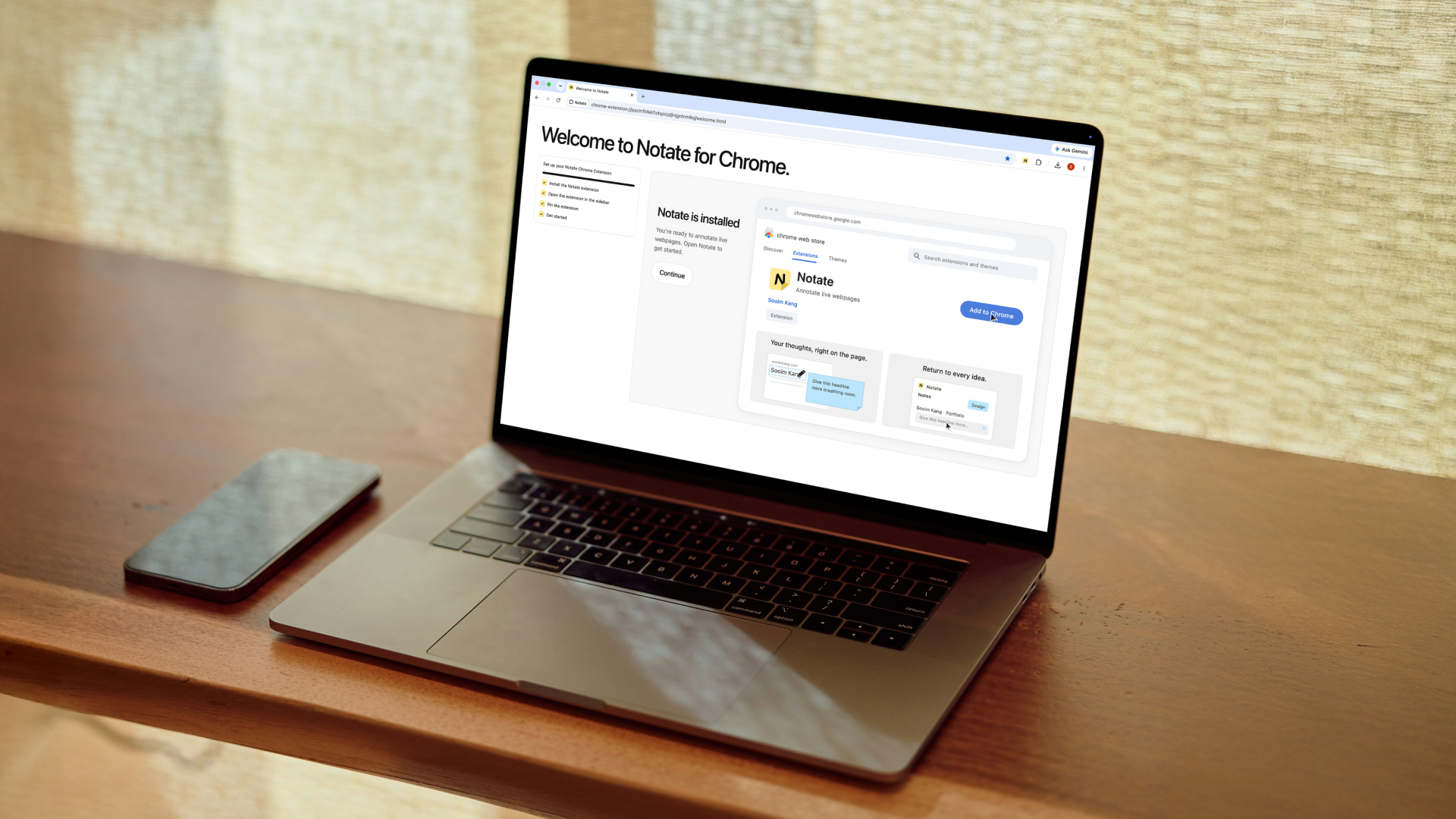
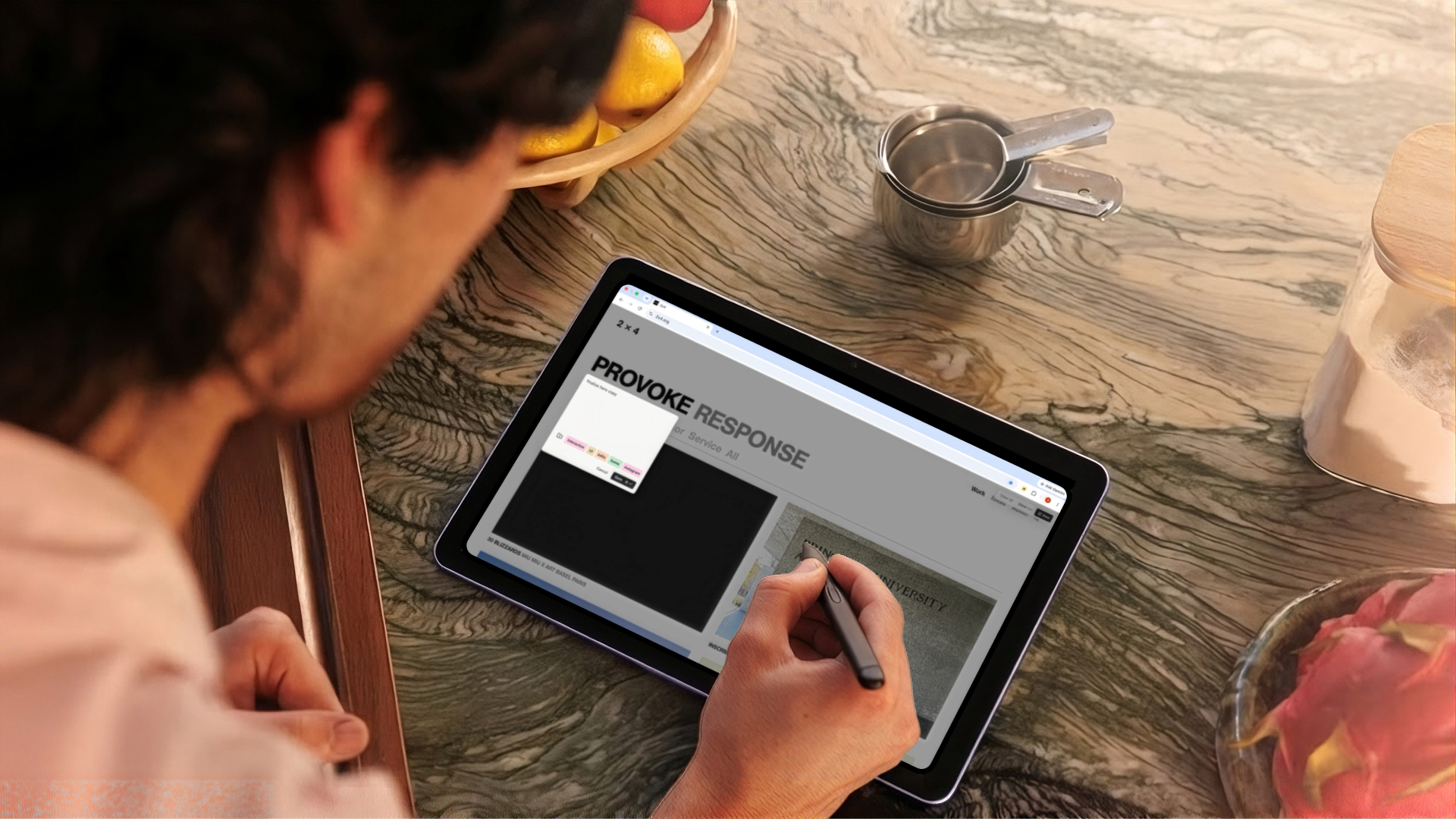
Notate is a Chrome extension I designed, built, and launched to let users annotate live webpages and revisit their notes exactly where they left them.
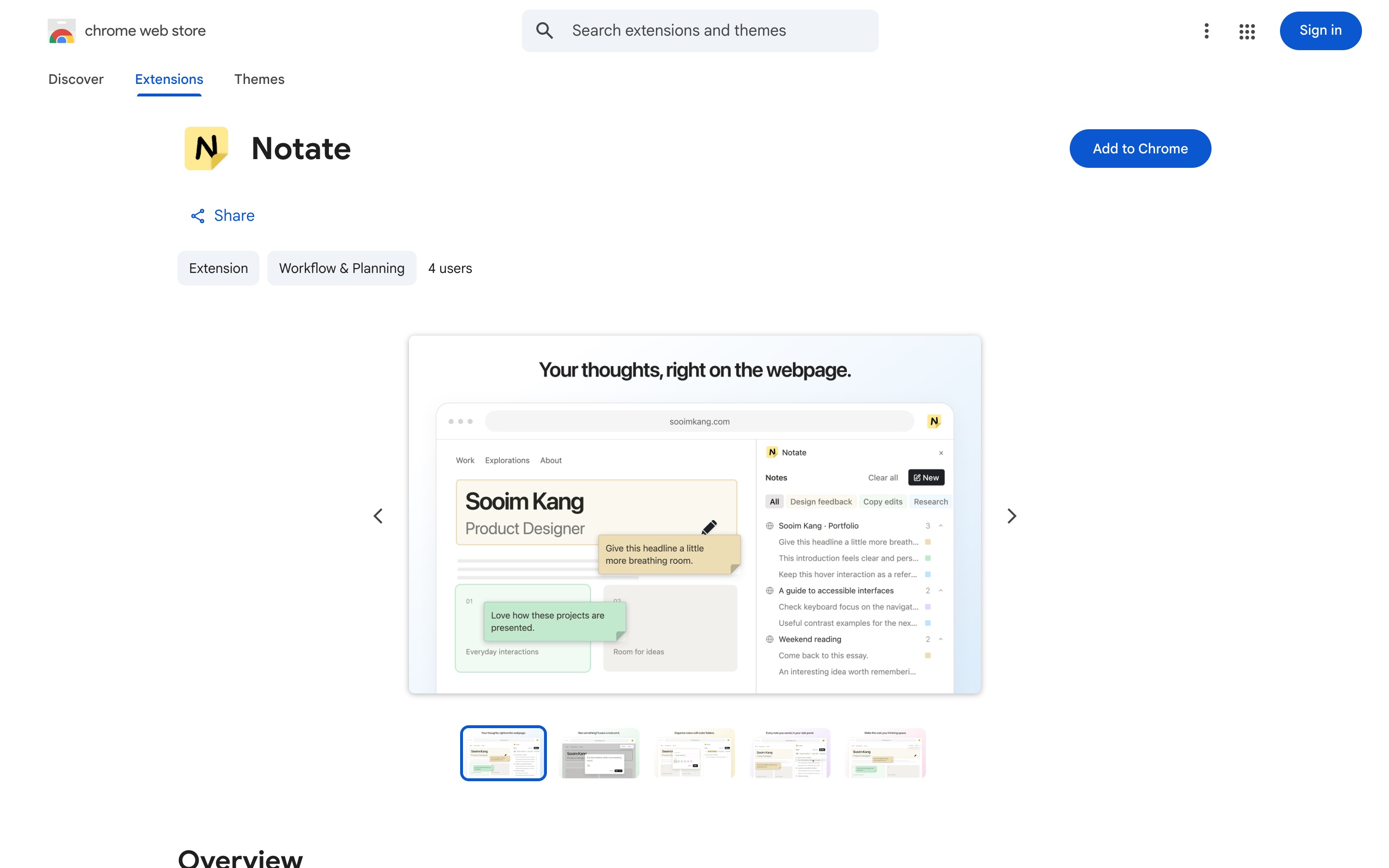
 NotateChrome Web Store · Workflow & Planning
Add to Chrome ↗
NotateChrome Web Store · Workflow & Planning
Add to Chrome ↗
Problem
We save what we find online, but lose the thinking behind it.
I interviewed four people who regularly save content from the web. Three common workarounds emerged, each introducing a different problem.
Keeping tabs open
Important references get buried among dozens of open tabs, making them difficult to find again.
Bookmarking
Saved links preserve the webpage, but not what caught someone’s attention or why it mattered.
Screenshotting
Screenshots capture specific details, but separate them and any annotations from the original live webpage.
Opportunity
How might we help people capture their thoughts while browsing and revisit them without losing their original context?
Solution
Turn any live webpage into a space for notes and ideas.
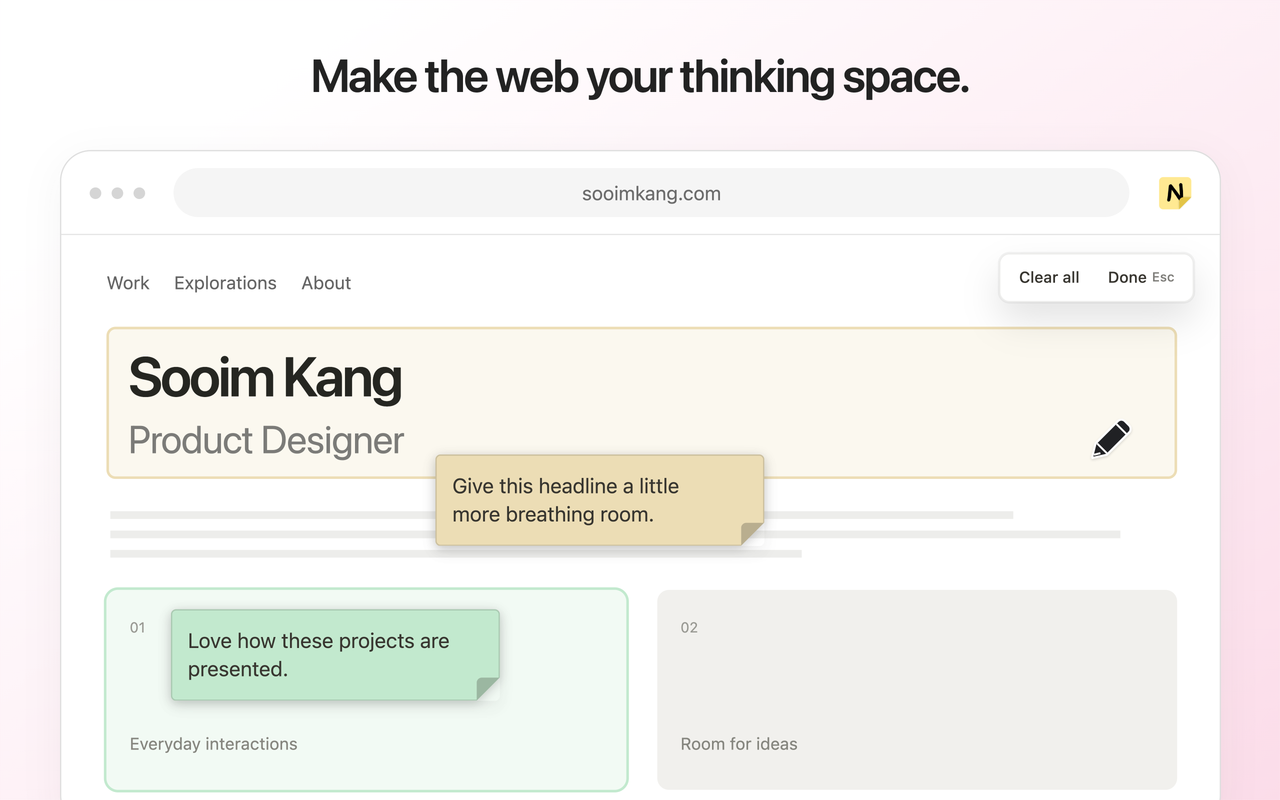
Notate lets users attach annotations directly to webpage content, organize them into folders across websites, and return to the exact elements they annotated.

Core flows
One continuous workflow: annotate, organize, return.
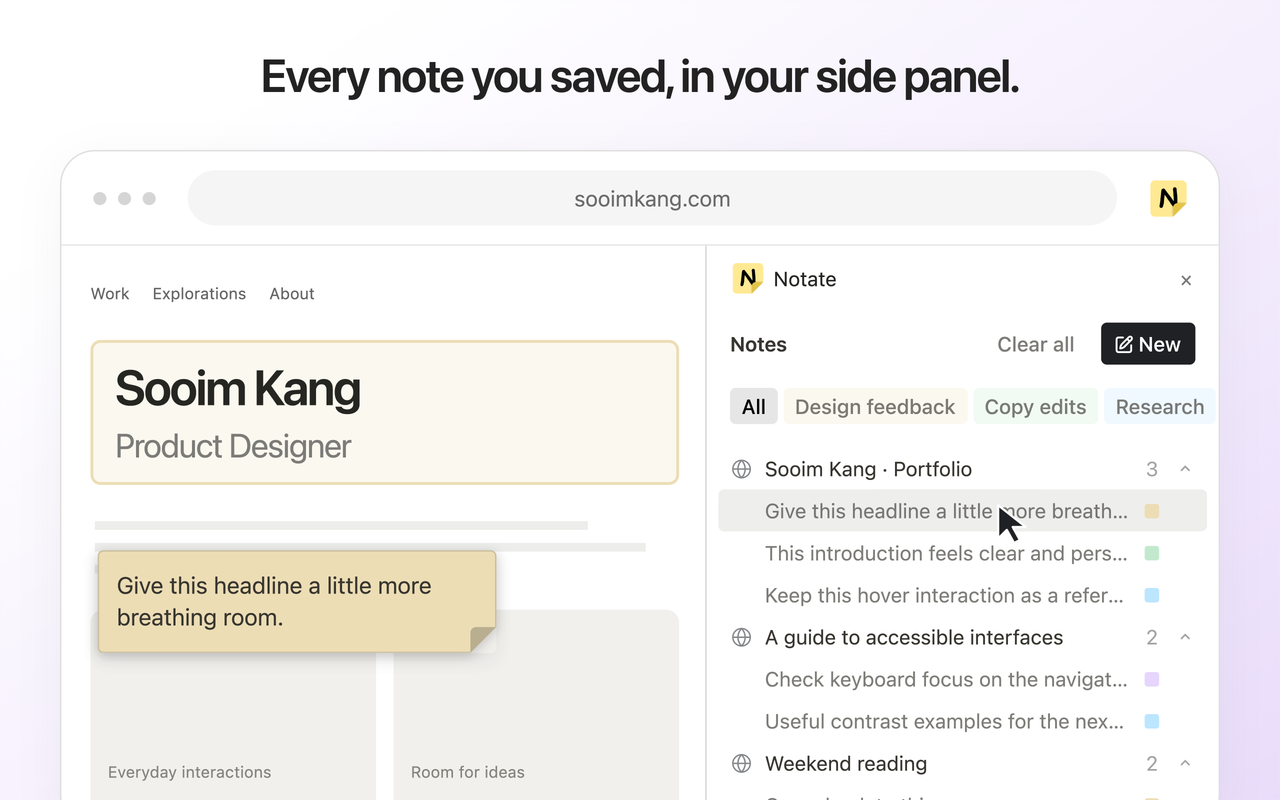
Notate keeps the process of capturing, organizing, and revisiting ideas within the browsing experience, without requiring users to switch between tools or lose track of their sources.
Annotate
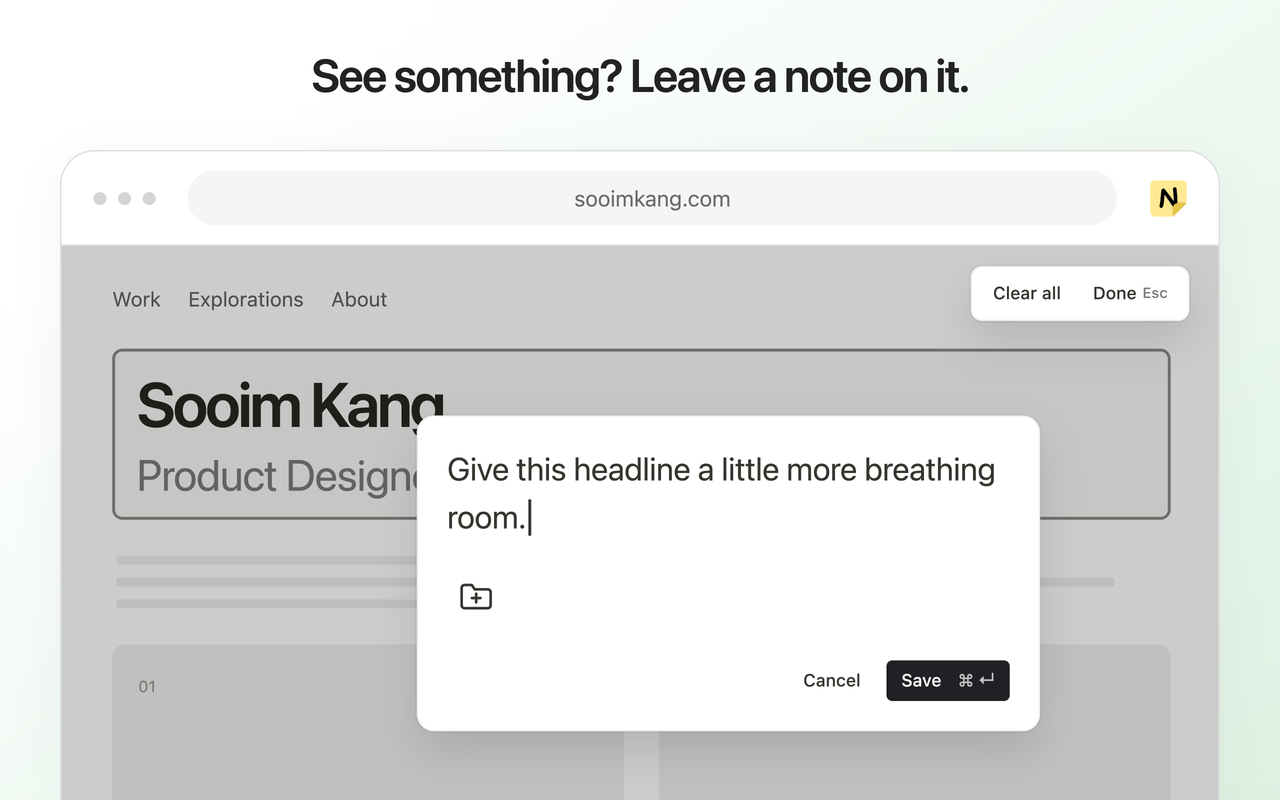
Leave notes directly on the content that inspired them.
Select any element on a live webpage, write an annotation, and save it alongside the original content.
Organize
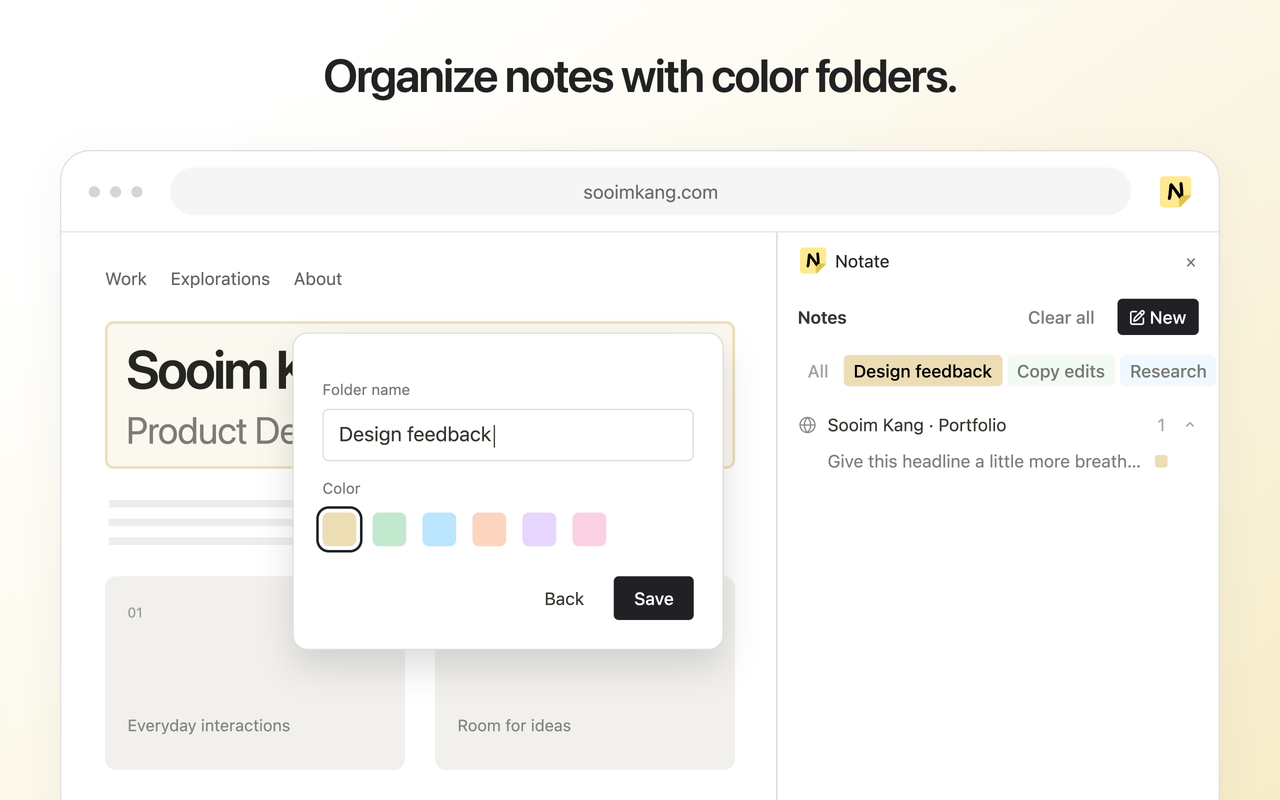
Bring related notes together across websites.
Group annotations into color-coded folders, keeping ideas from different webpages organized by project or purpose.
Return
Revisit your notes exactly where you left them.
Select a saved annotation to reopen its webpage, or return to an existing tab, and jump directly to the element you annotated.
Onboarding
Guide new users from installation to their first annotation.
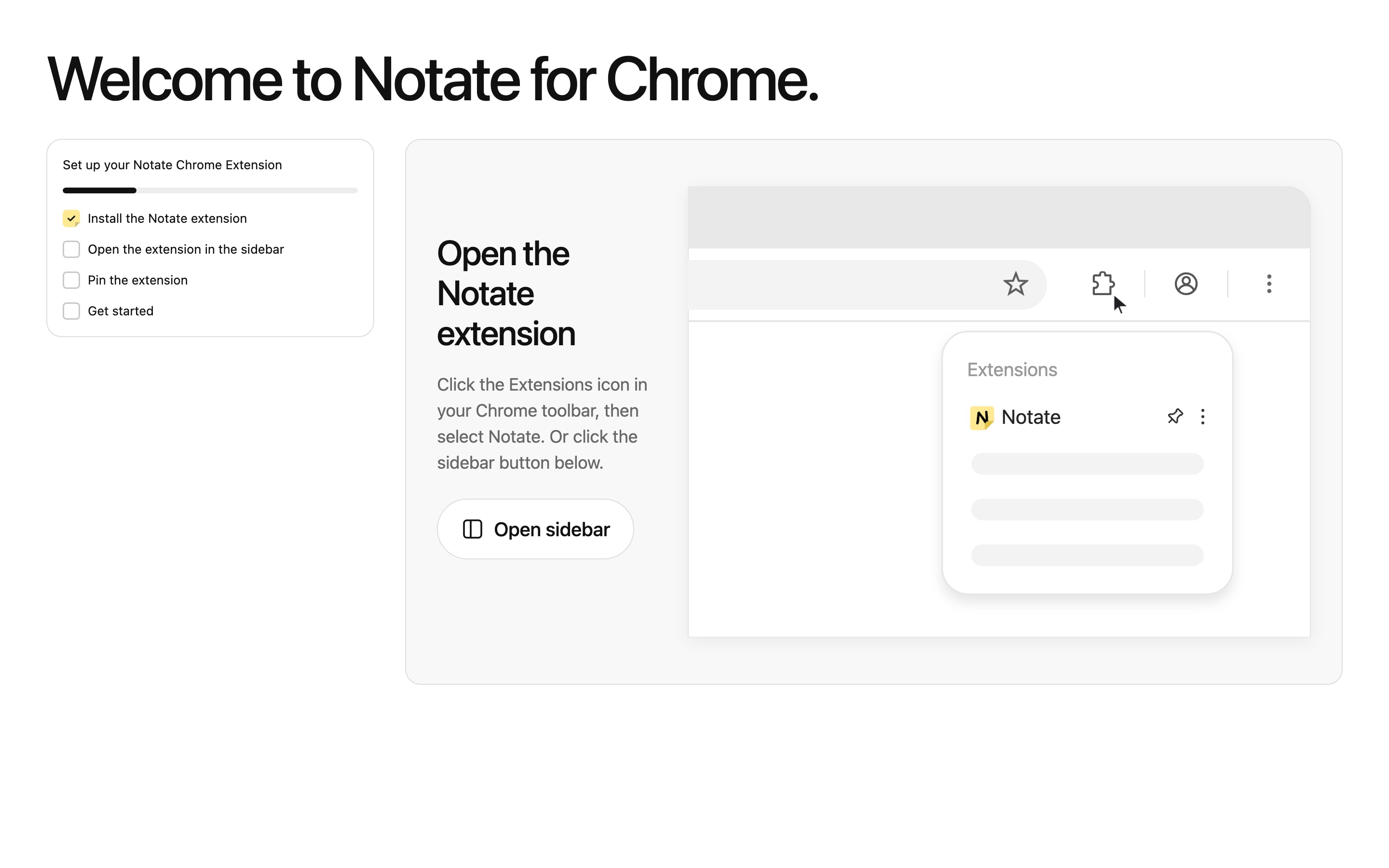
Chrome extensions can be easy to overlook after installation, so I designed a guided welcome page that walks users through opening and pinning Notate. Each step is confirmed before progressing, and the experience ends with users creating their first real annotation rather than exploring sample content.
Design decisions
Keeping notes connected to their source without disrupting browsing.
Three decisions shaped how Notate balances contextual note-taking with everyday browsing.
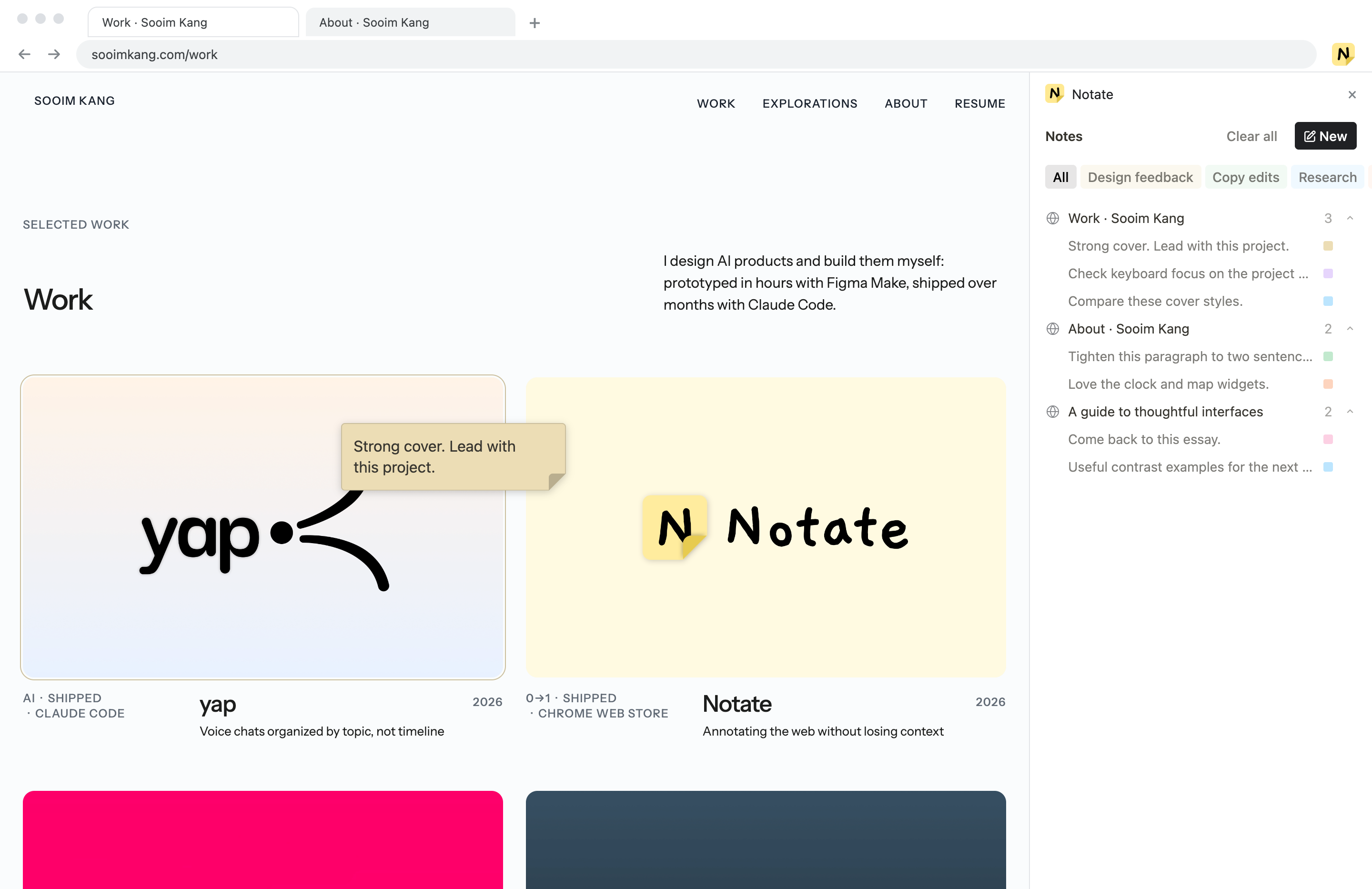
01 · Element-level anchoring
Attach notes to elements, not entire webpages.
Anchoring notes to specific elements preserves their context as users scroll. Notes remain draggable to avoid covering content.
02 · Note-level organization
Organize thoughts, not webpages.
Folders apply to individual notes rather than URLs, allowing users to group ideas across websites and projects.
03 · Non-intrusive revisiting
Revisit notes without interrupting browsing.
Read-only previews keep annotations out of the way until needed. Selecting a note jumps directly to its original element without re-entering annotation mode.
Build
I built Notate myself with Claude Code, and kept a decision log so the agents built what I decided.
Notate runs inside Chrome’s extension platform: a side panel, scripts that draw notes onto any webpage, local storage, and only the permissions it needs. I designed it and built it with coding agents, then shipped it to the Chrome Web Store.
The user journey, and what runs each step
Webpages change after you annotate them, so I designed for the element disappearing. The note stays near where you left it, with a warning, and Notate never guesses at a different element to attach it to. Onboarding follows the same rule: no tracking and no network calls. Nothing leaves your browser.
The spec the agents built from
Launch
From a personal workflow problem to a published Chrome extension.
I designed, built, and published Notate on the Chrome Web Store, making it available for anyone to install and use. In its first few days, the extension received 21 installs without any promotion and its first public review, marking an early step toward validating the product with real users.
 Notate
Add notes directly to live webpages and revisit them exactly where you left them.
Installed
Notate
Add notes directly to live webpages and revisit them exactly where you left them.
Installed
This was a lifesaver when working on my portfolio and trying to save all the different visual references I had across sites. Definitely recommend anyone to use who needs to reference back to a lot of live sites for their projects!
Reflection
Building Notate taught me to design for what happens after saving.
Taking Notate from an idea to a published Chrome extension challenged me to think beyond the moment of interaction, from how users retrieve saved information to how annotations behave on websites I don’t control.
Takeaway 01 · User behavior
Saving information is only useful if people can recover the context that made it worth saving.
Takeaway 02 · Chrome extension
Designing for live webpages means accounting for changing content, unpredictable layouts, and the browser’s own constraints.