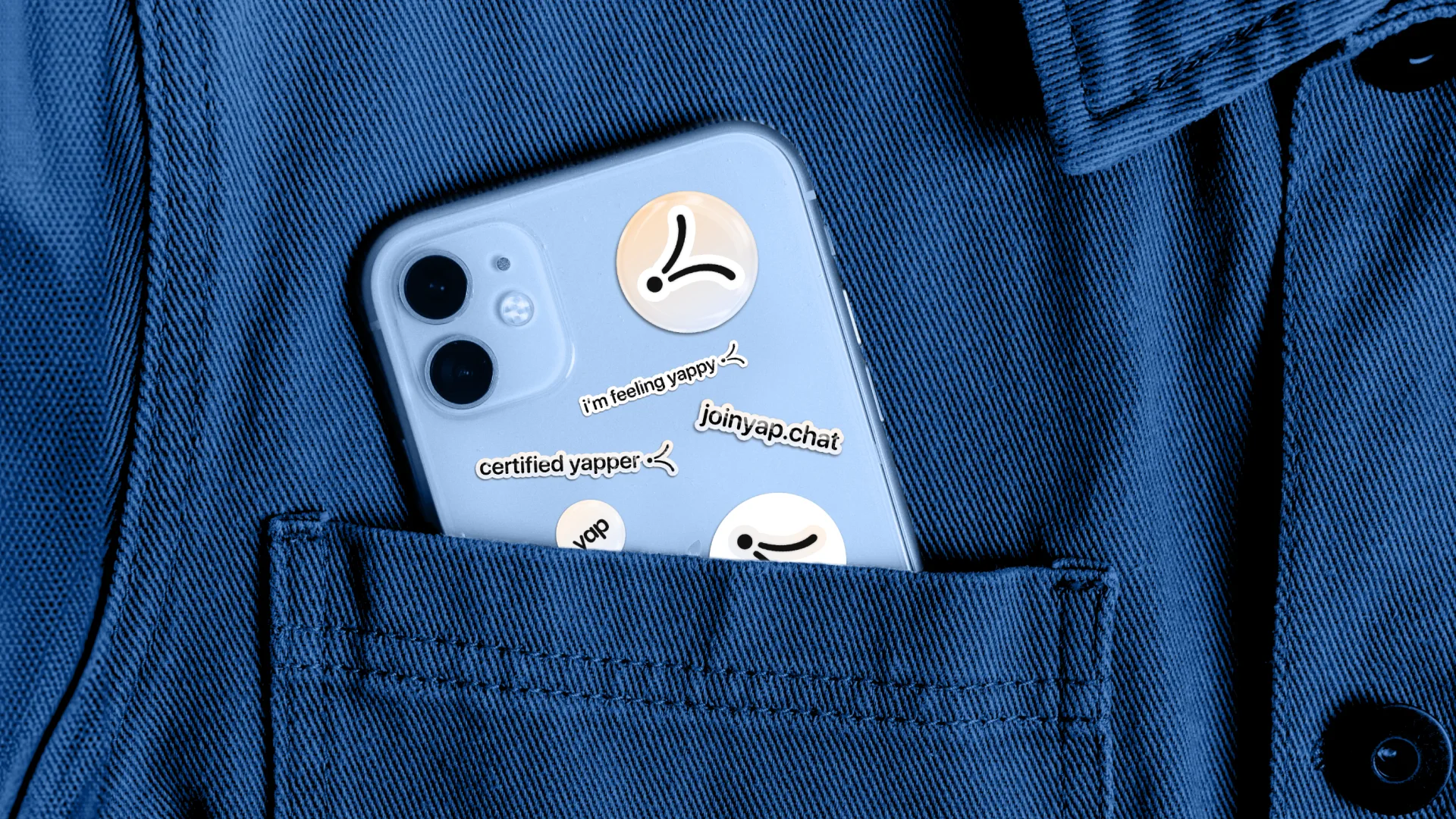
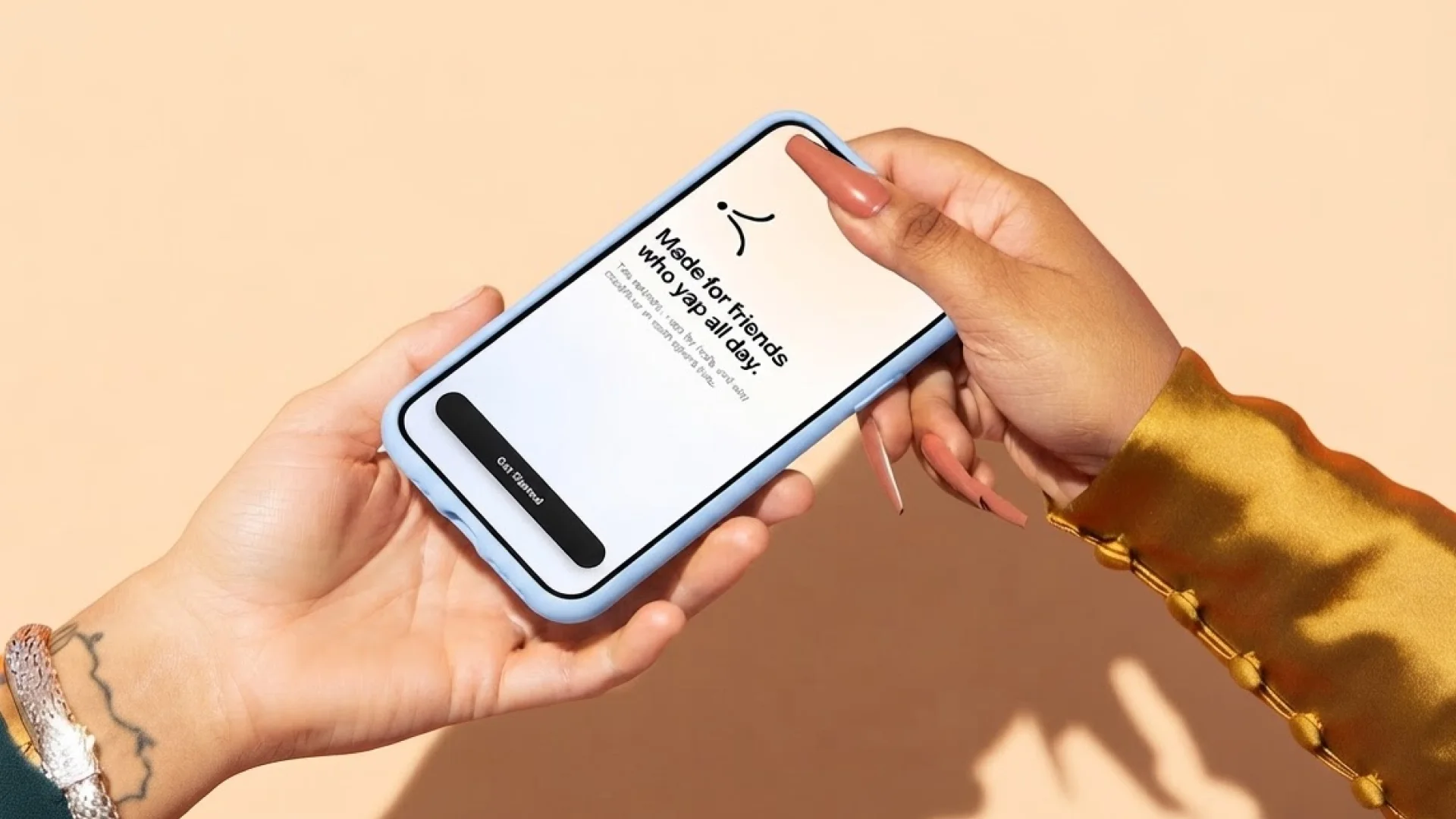
Voice-first PWA · 0→1 · 2026
yap is an AI-powered group chat that organizes long voice memos into topics friends can listen and reply to individually. Designed, built, and launched solo in six weeks.

Problem
Friends want to catch up the way they actually talk: long, rambly, and in their own voice. But the tools we use today make us all compromise someway or another.
Calling
Natural conversation, but everyone needs to be available.
Texting
Convenient, but longer thoughts get condensed.
Voice memos
Personal and asynchronous, but topics and replies get buried.
Opportunity
How might we make catching up asynchronously feel as natural and easy to follow as talking in person?
Solution
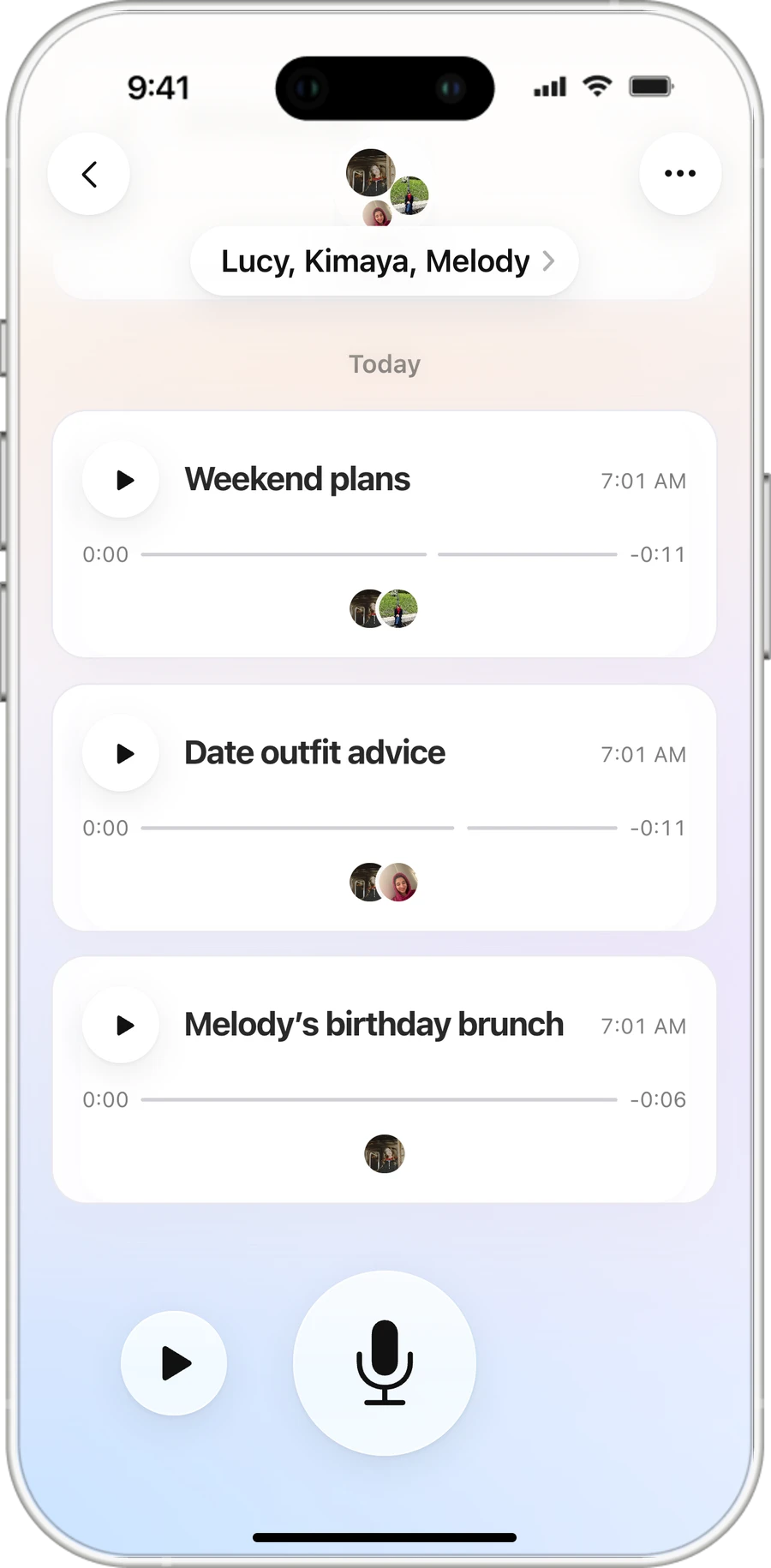
Long voice chats, organized by topic instead of time
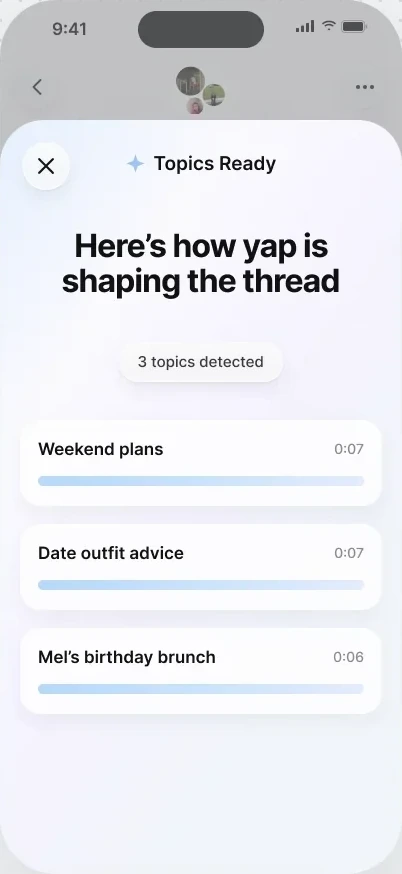
yap uses AI to identify topic changes in long voice memos, turning each thought into a thread friends can listen and reply to separately, without losing the spontaneity of the original recording.
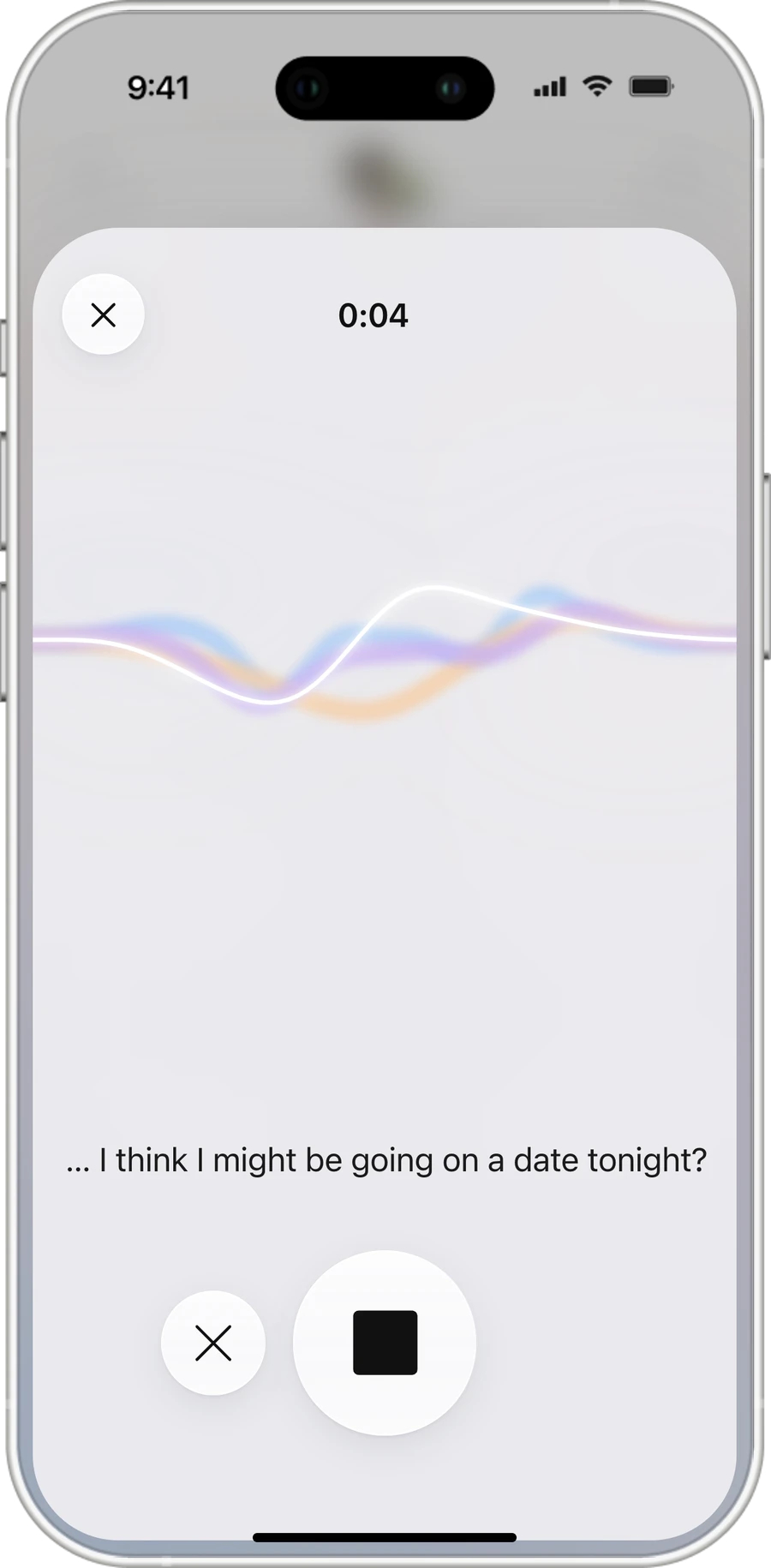
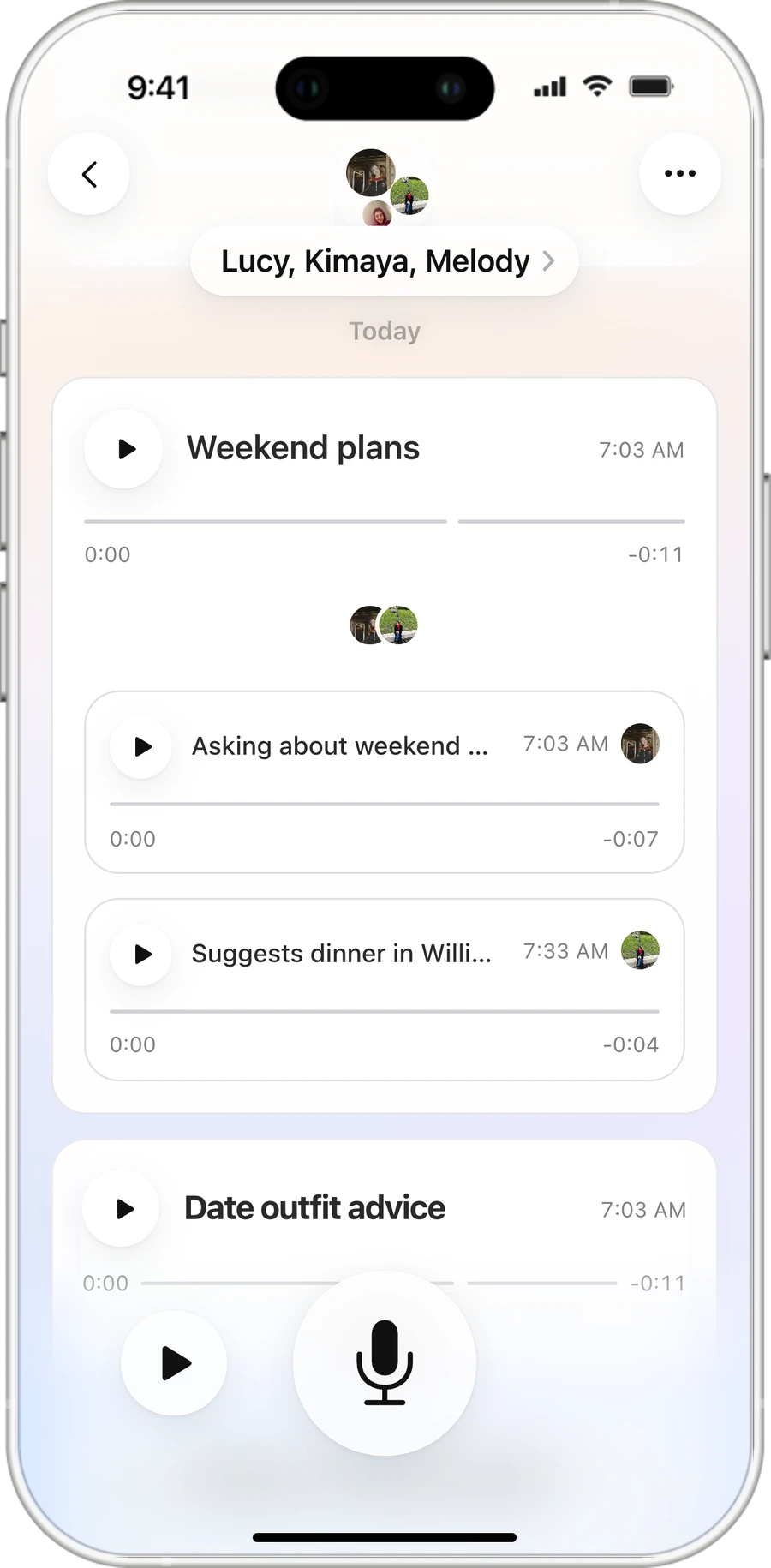
Talk naturally
Record one uninterrupted memo, moving between thoughts freely.
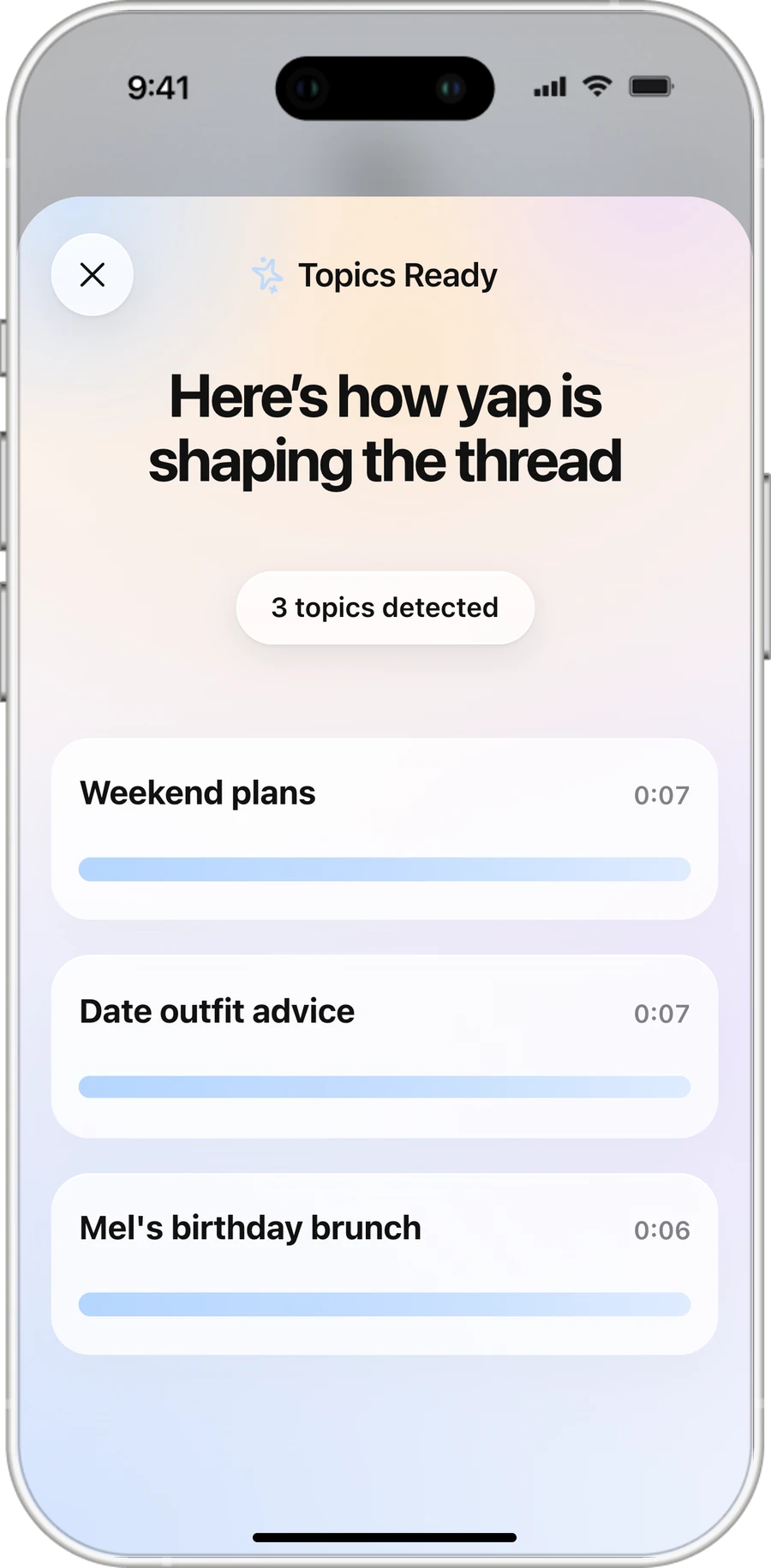
yap organizes the conversation
AI identifies topic changes and labels each segment without rewriting the original audio.
Reply by topic
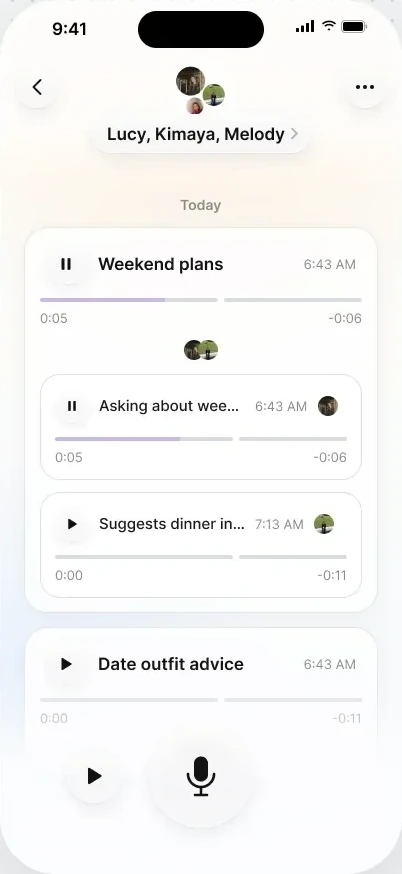
Each topic becomes a thread where friends can listen and respond.
Core features
From long voice memos to ongoing conversations
CATCH UP
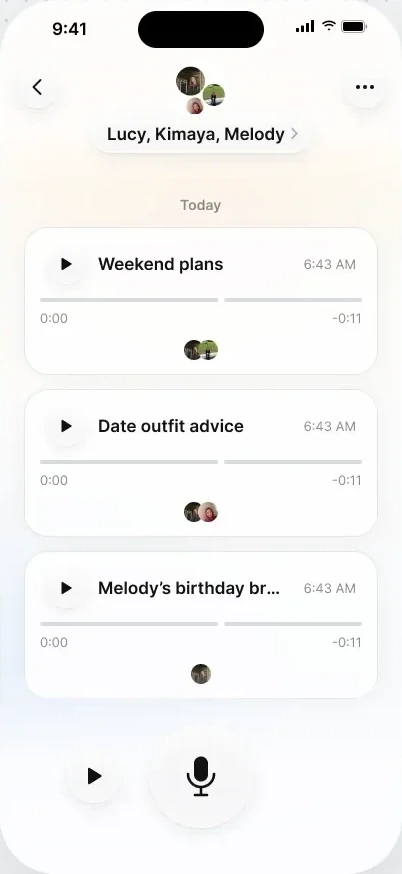
Listen by topic or all at once.
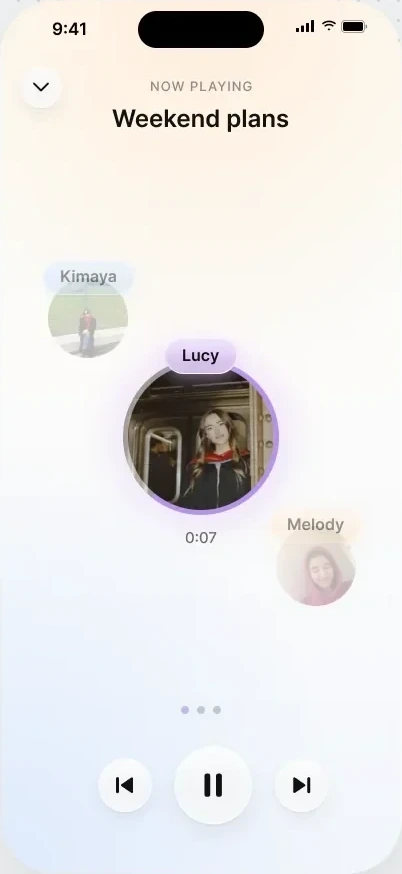
Each memo arrives as labeled topic cards in the group chat. Tap a topic to hear just that part, or tap play next to the mic to open Now Playing and hear everything new, topic by topic.
RESPOND
Talk freely. AI organizes the replies.
Record one rambly, uninterrupted memo. AI threads responses under existing topics and creates new ones when the conversation shifts.
STAY ORGANIZED
Pick up every conversation where you left off.
Replies stay grouped by topic, with playback starting from the first unheard response.
Join
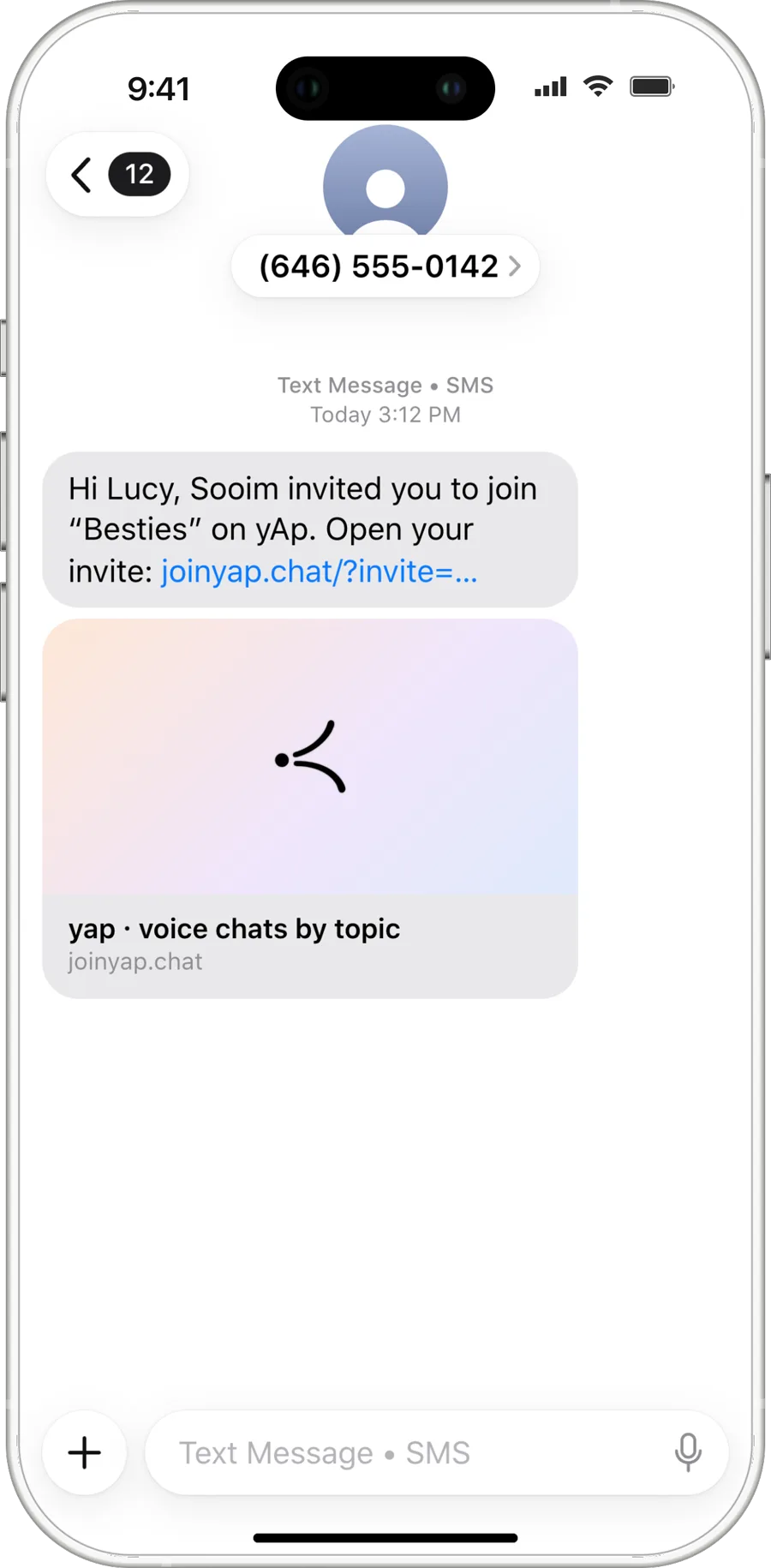
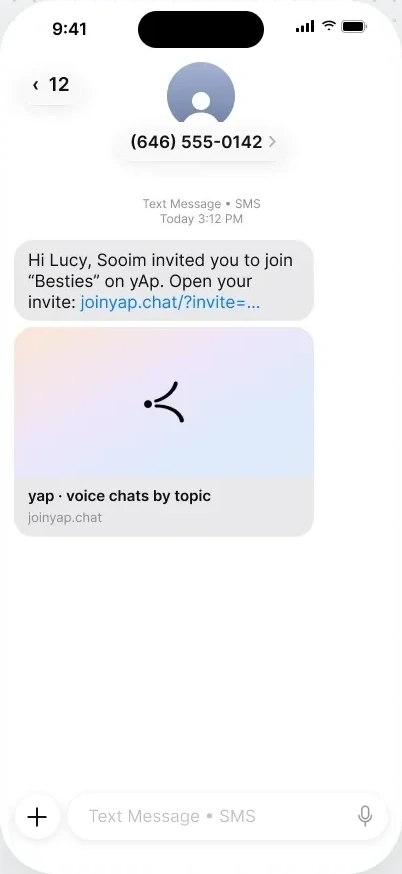
Invite friends by text. No download required.
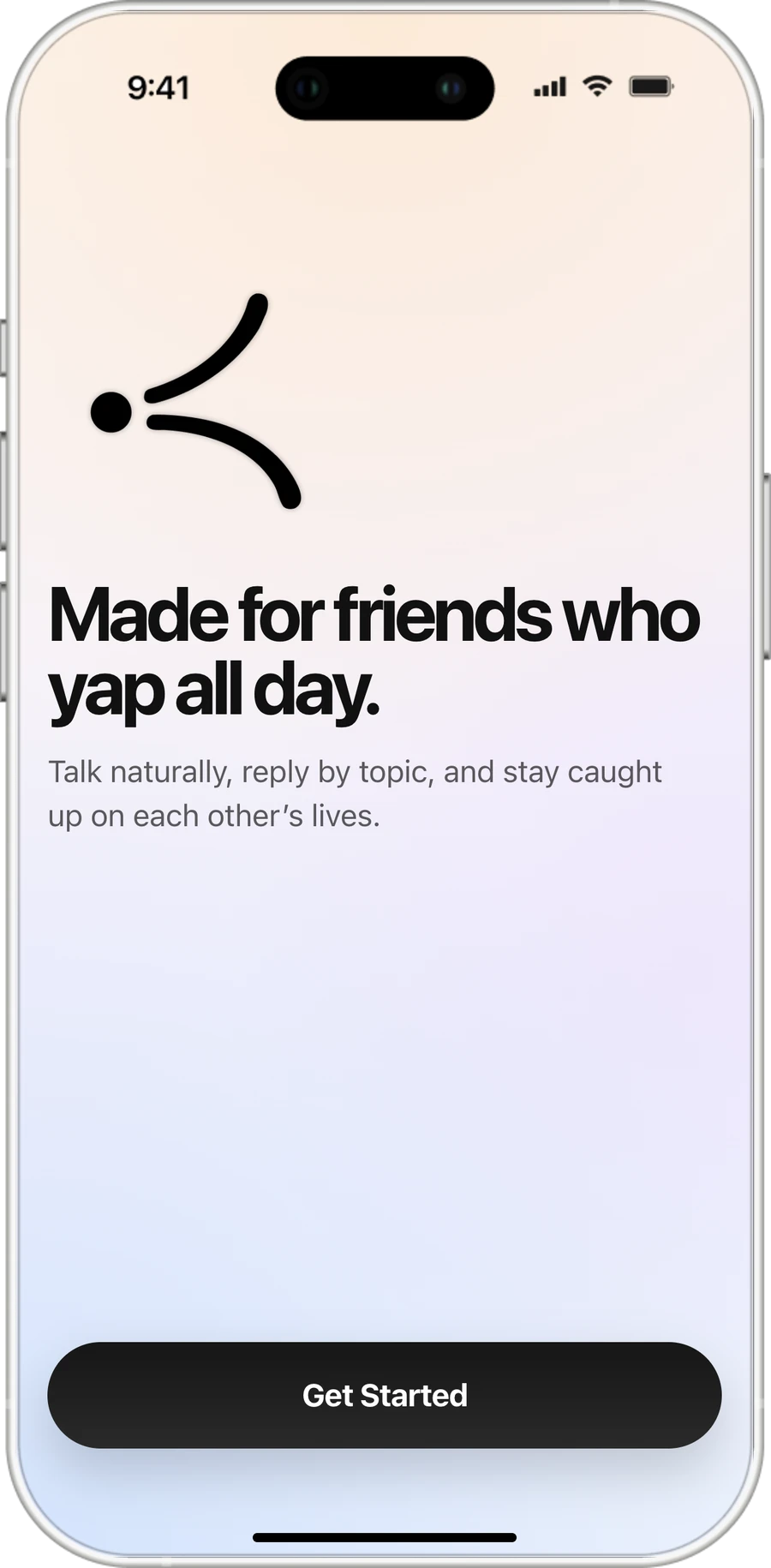
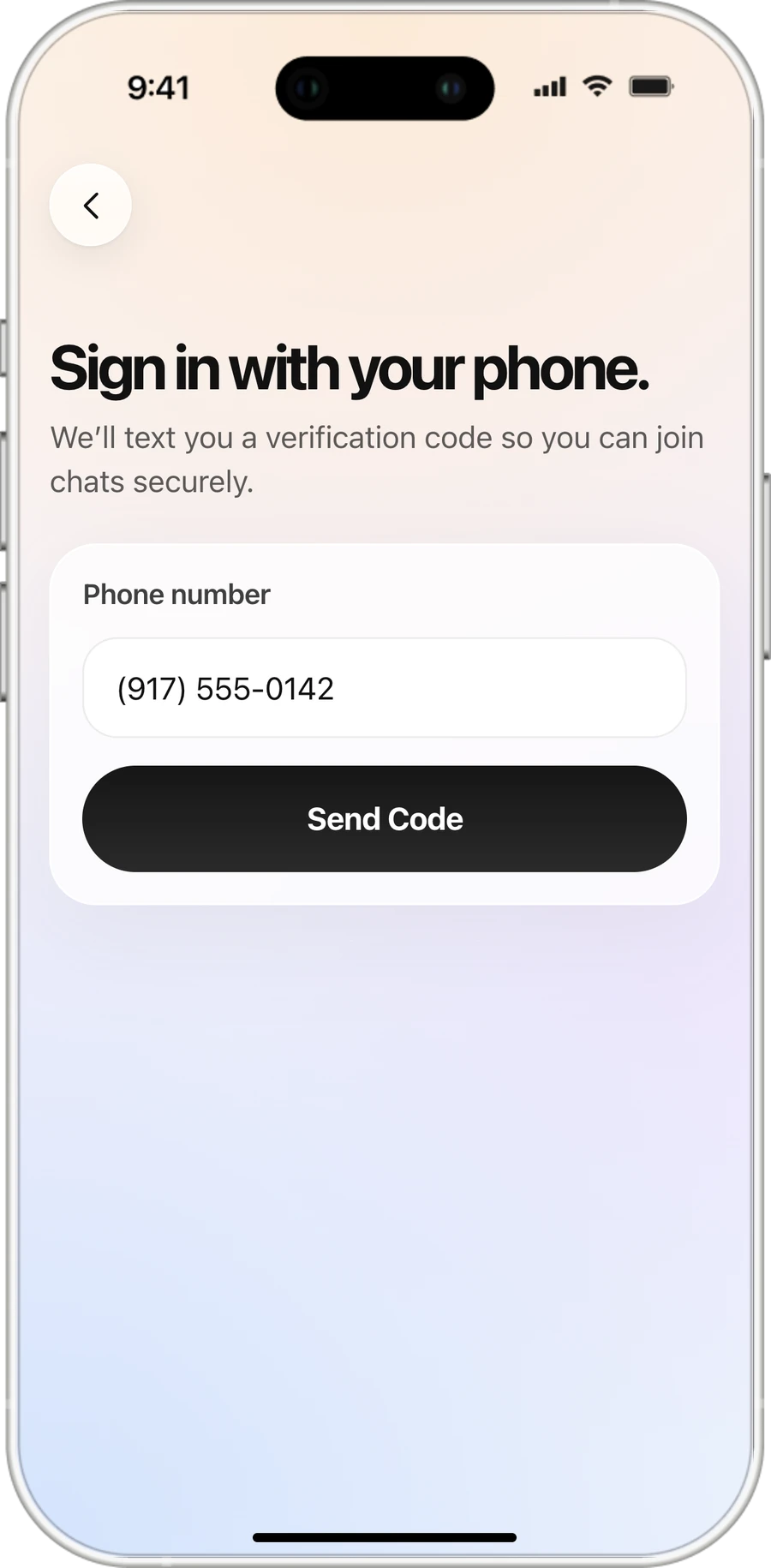
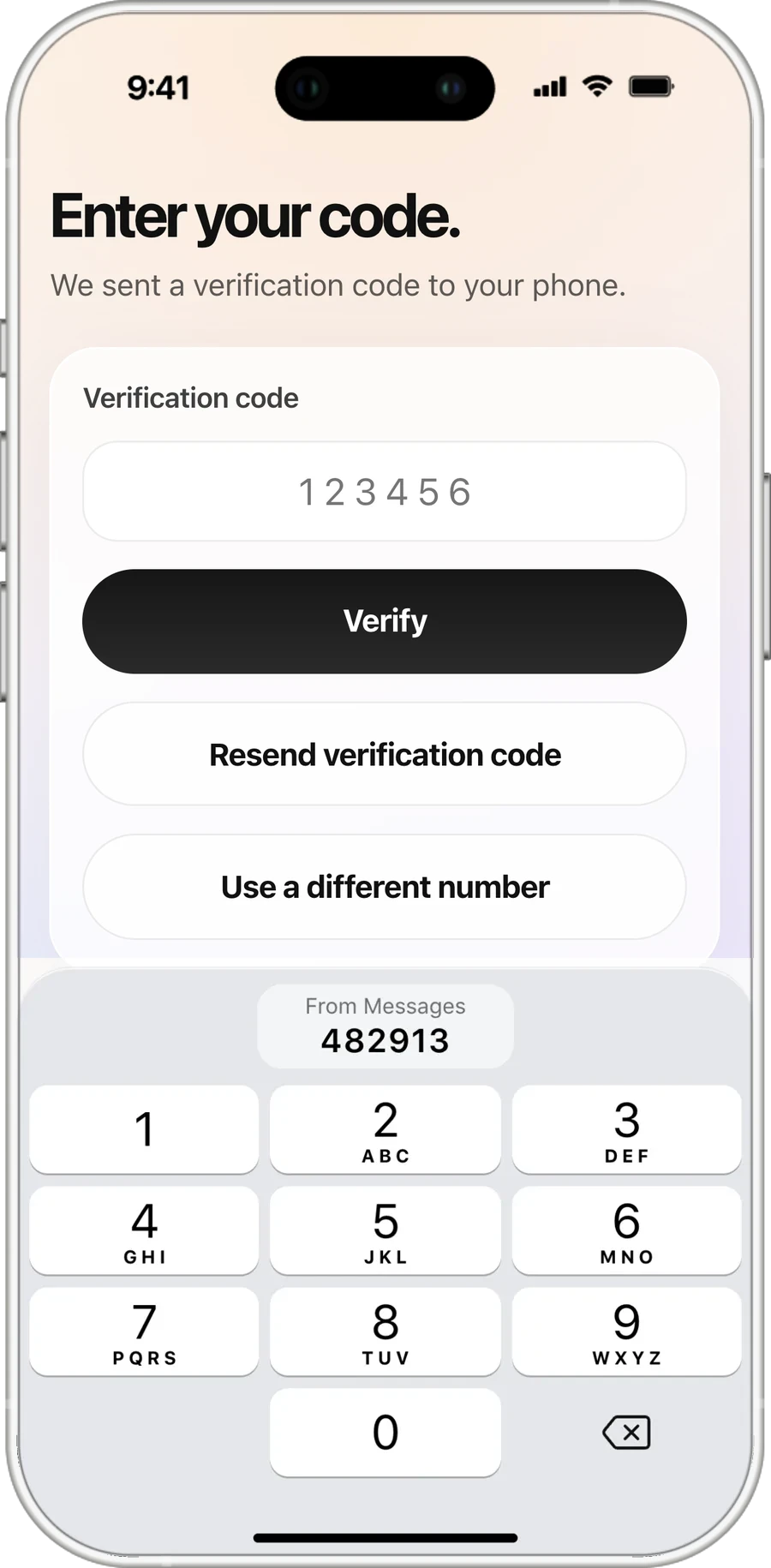
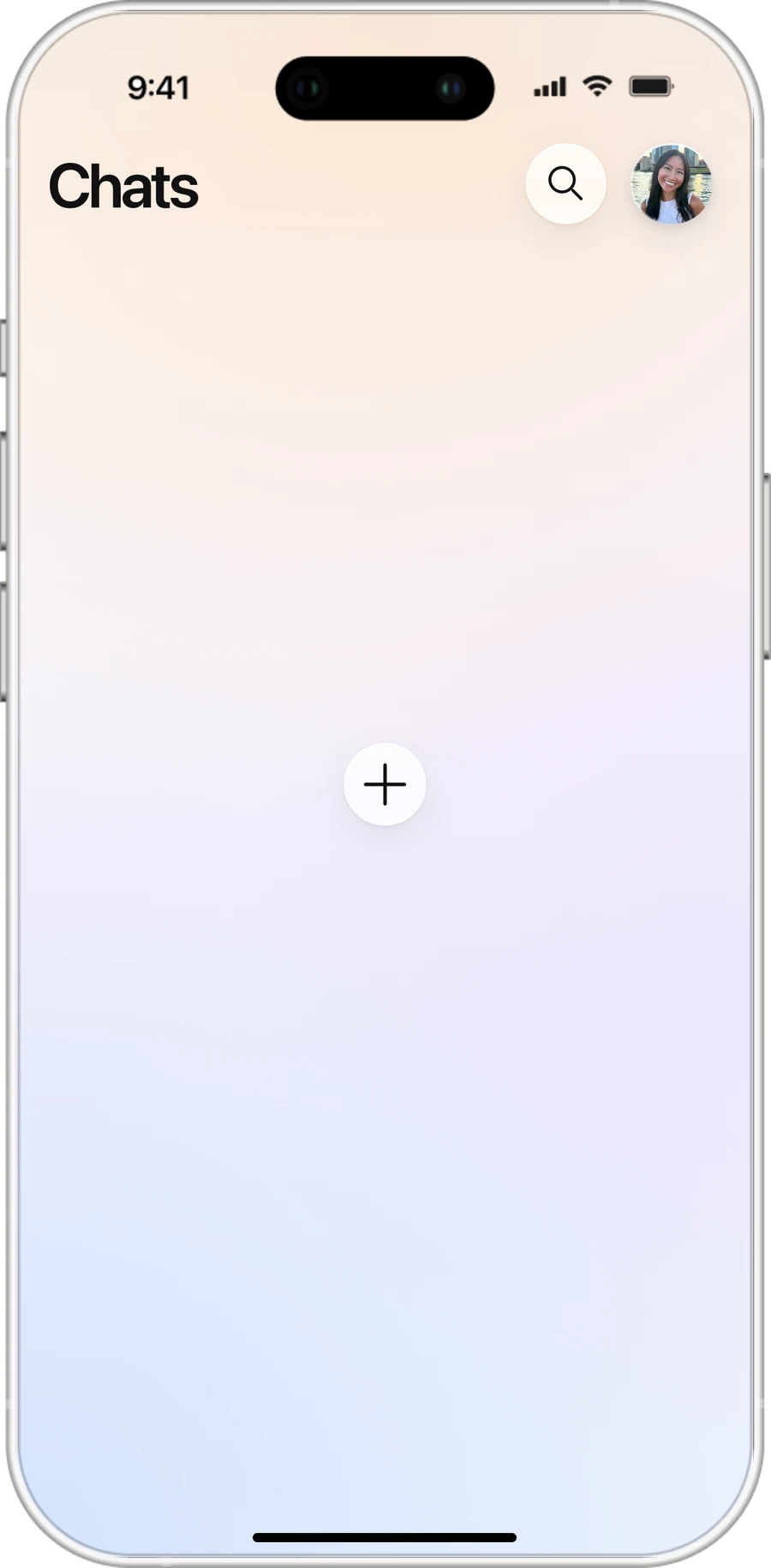
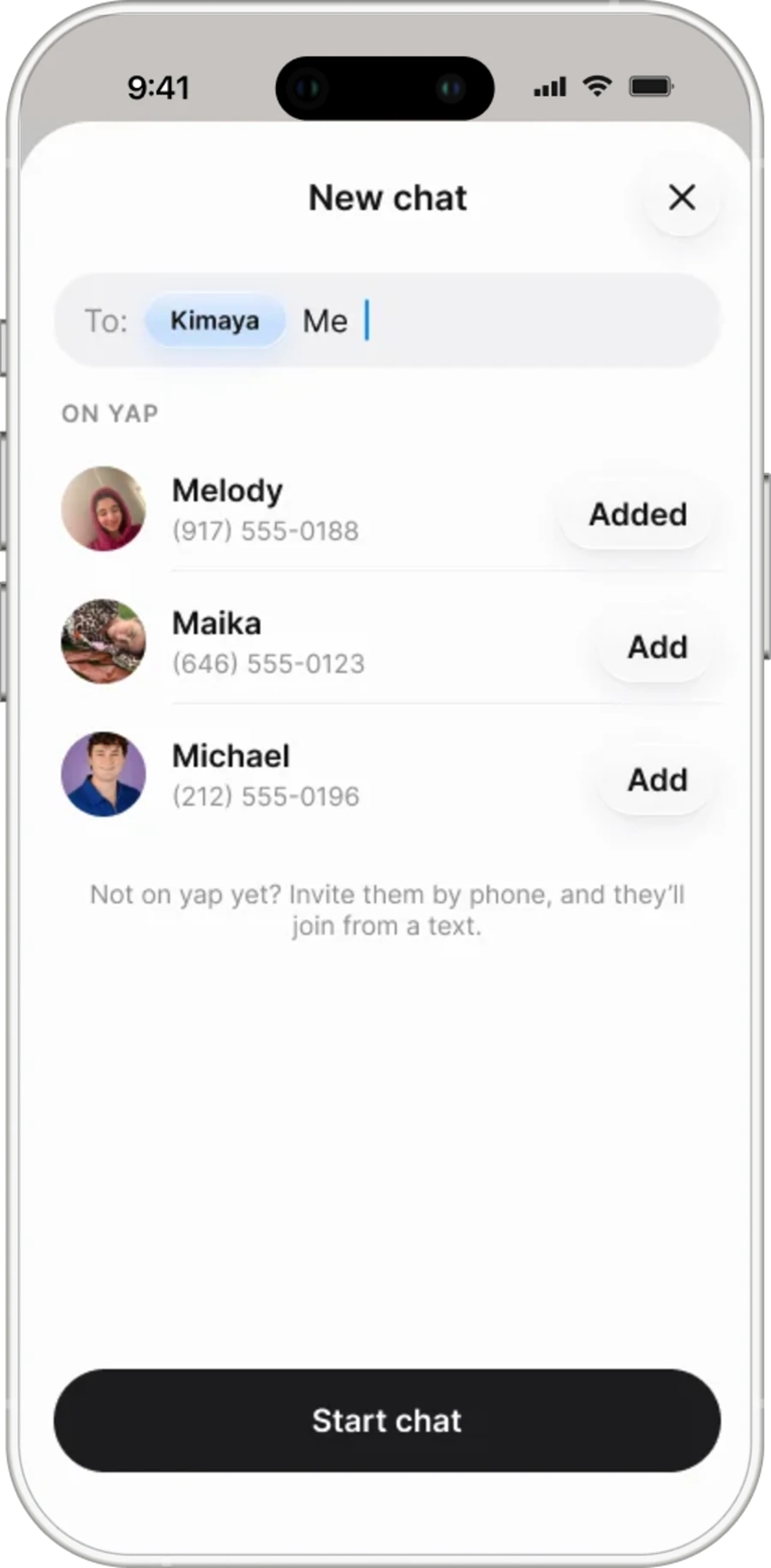
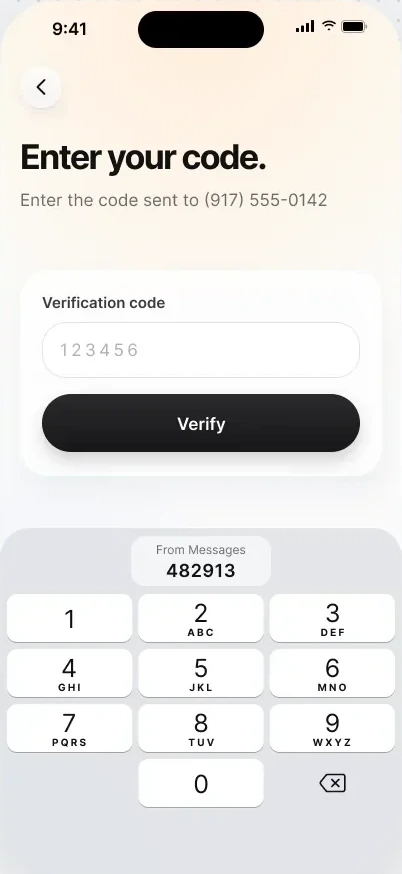
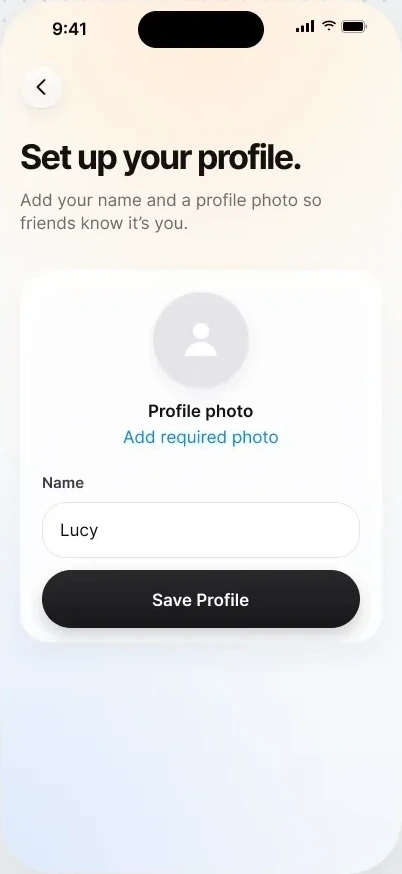
Sign up with your phone number, create a group, and invite friends through an SMS link that opens in their browser.
Demo
Don’t take my word for it. Let's yap!
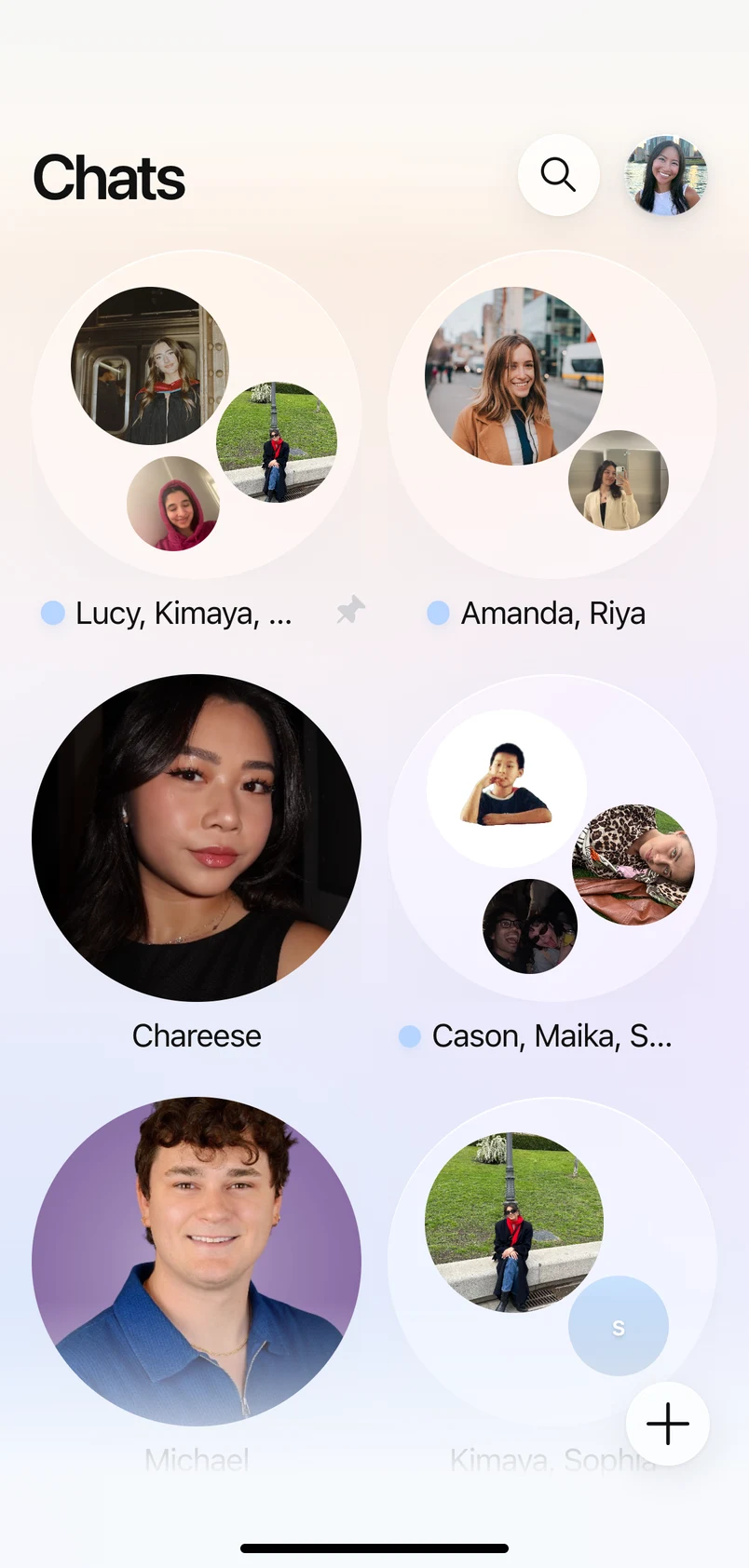
Try the working product with live AI topic segmentation. Friends' phone numbers are disconnected for this demo, so no notifications will be sent.


Iterations
Three directions, tested with 30 people
I prototyped three directions in Figma Make and tested them with 30 people, which informed how the final product organizes conversations, supports playback, and keeps the experience voice-first.
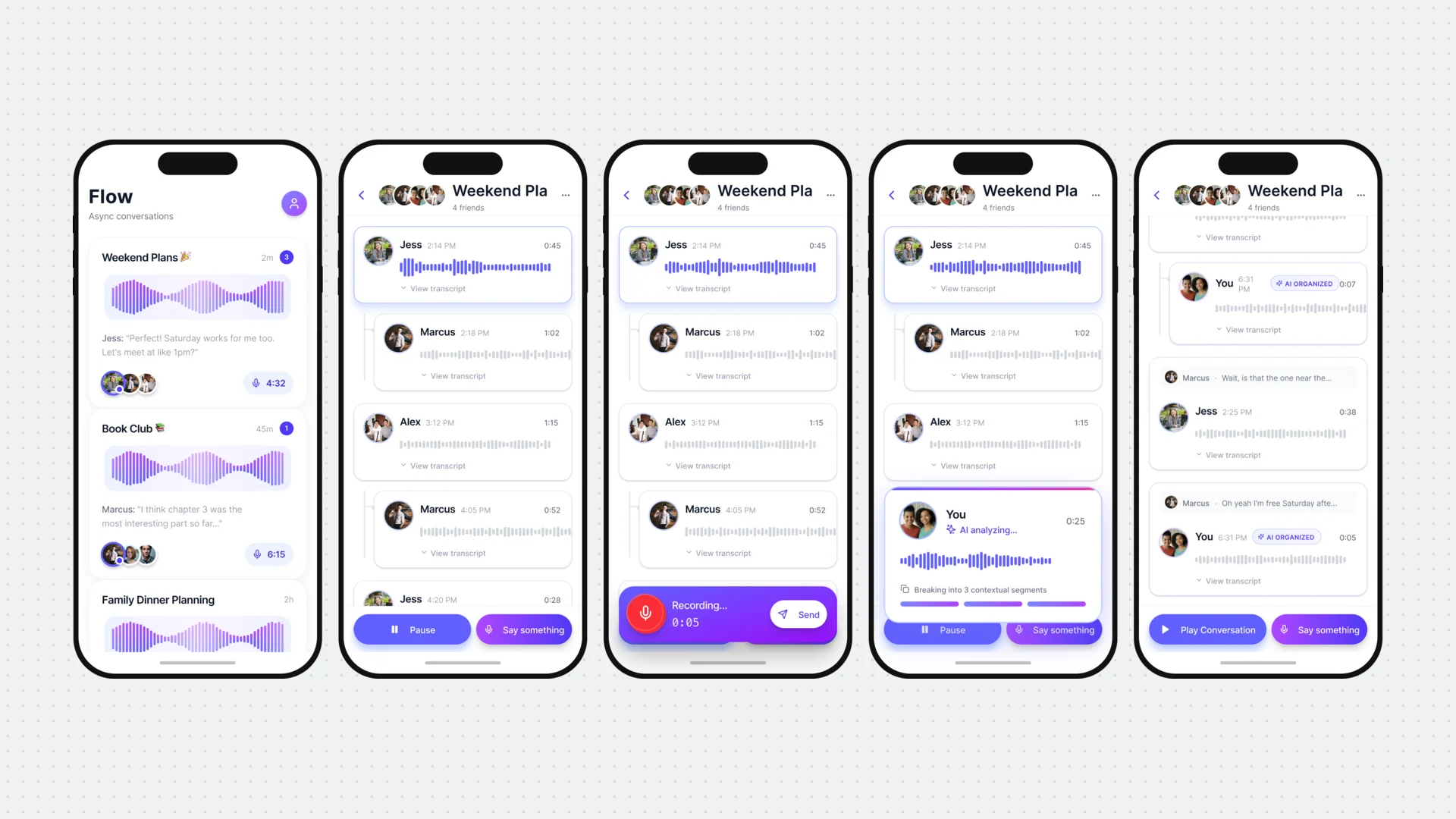
What I prompted
AI organizes replies under related messages.
What resonated
Topic-based conversation threads.
What didn’t
Transcripts beneath every message distracted from listening.
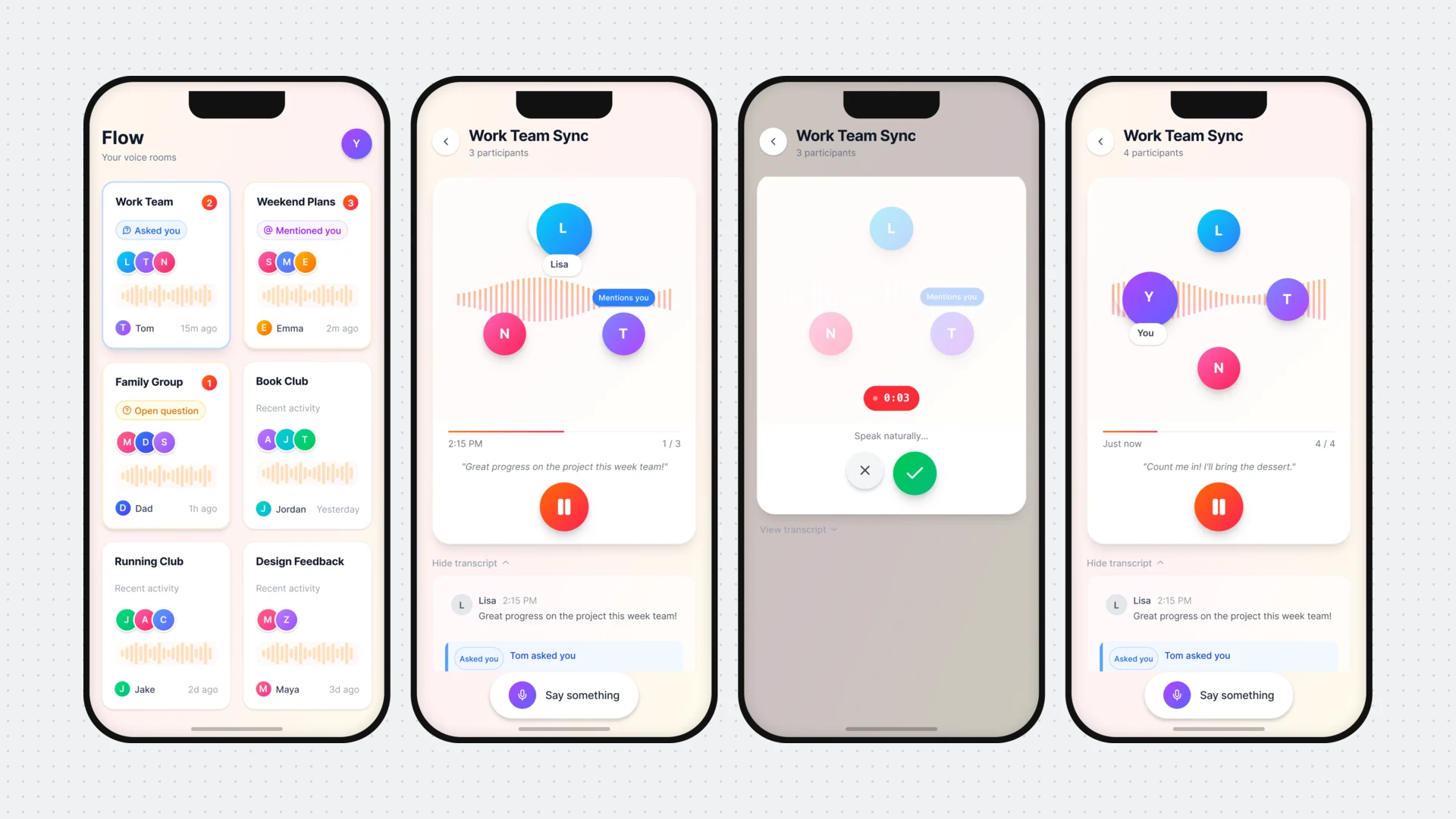
What I prompted
Voice-led chat cards with contextual reply prompts.
What resonated
Distinct recording and listening states, plus visible playback progress.
Didn’t make the final build
“Mentions you.” Tested well but didn’t fit the timeline.
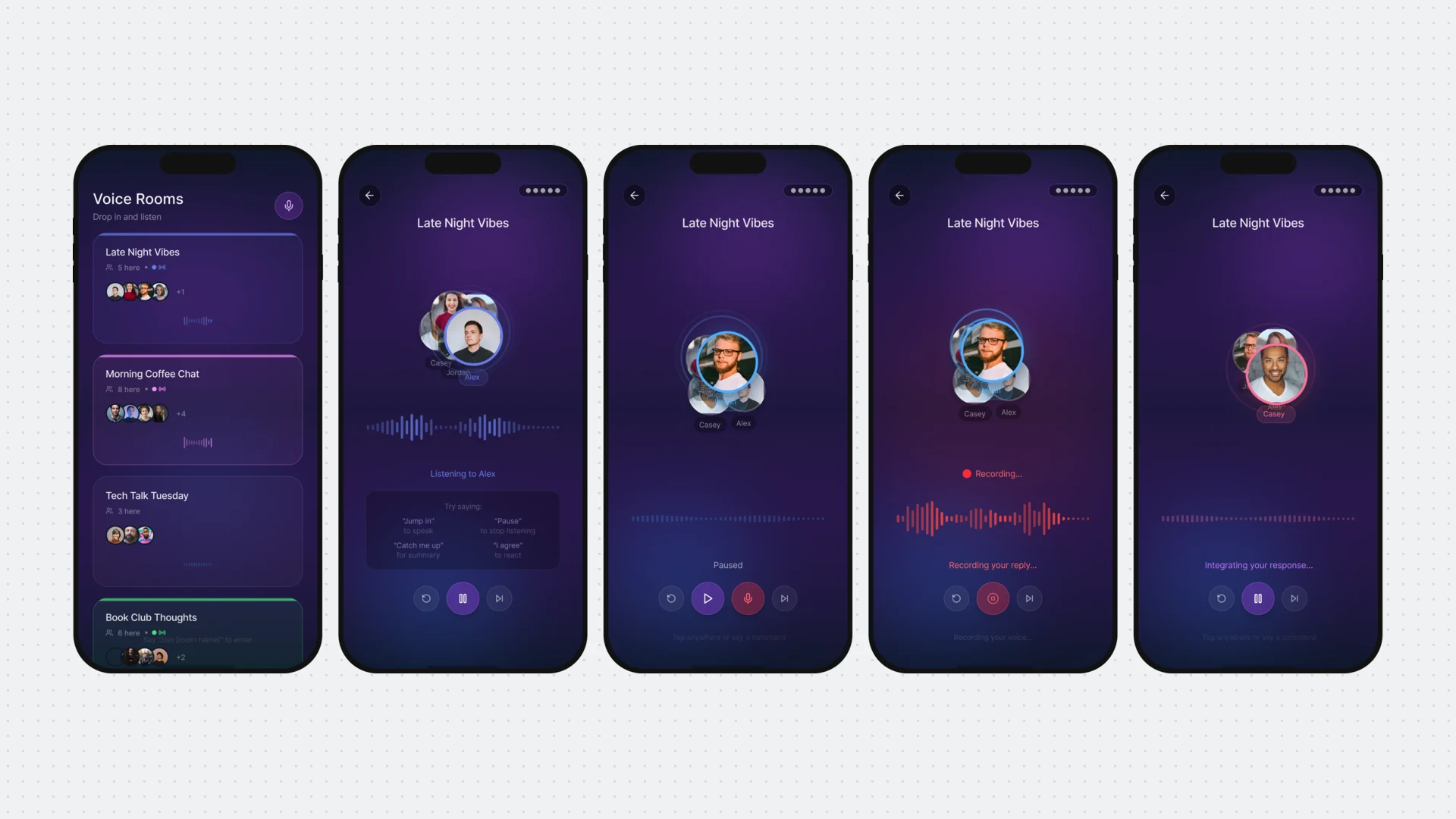
What I prompted
A live-feeling space built around speakers and motion.
What resonated
Floating participant avatars in Now Playing.
Didn’t make the final build
Live presence indicators.
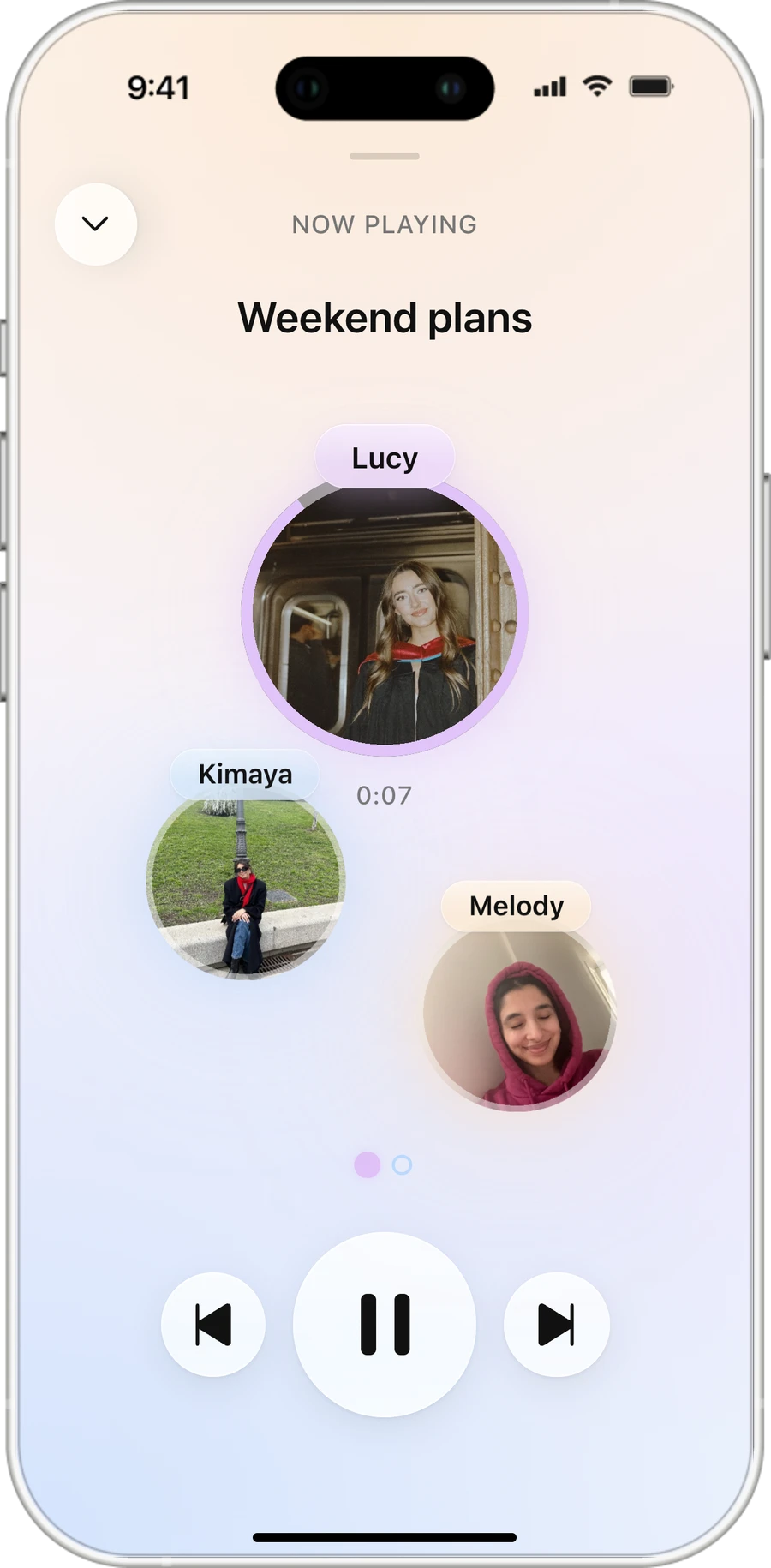
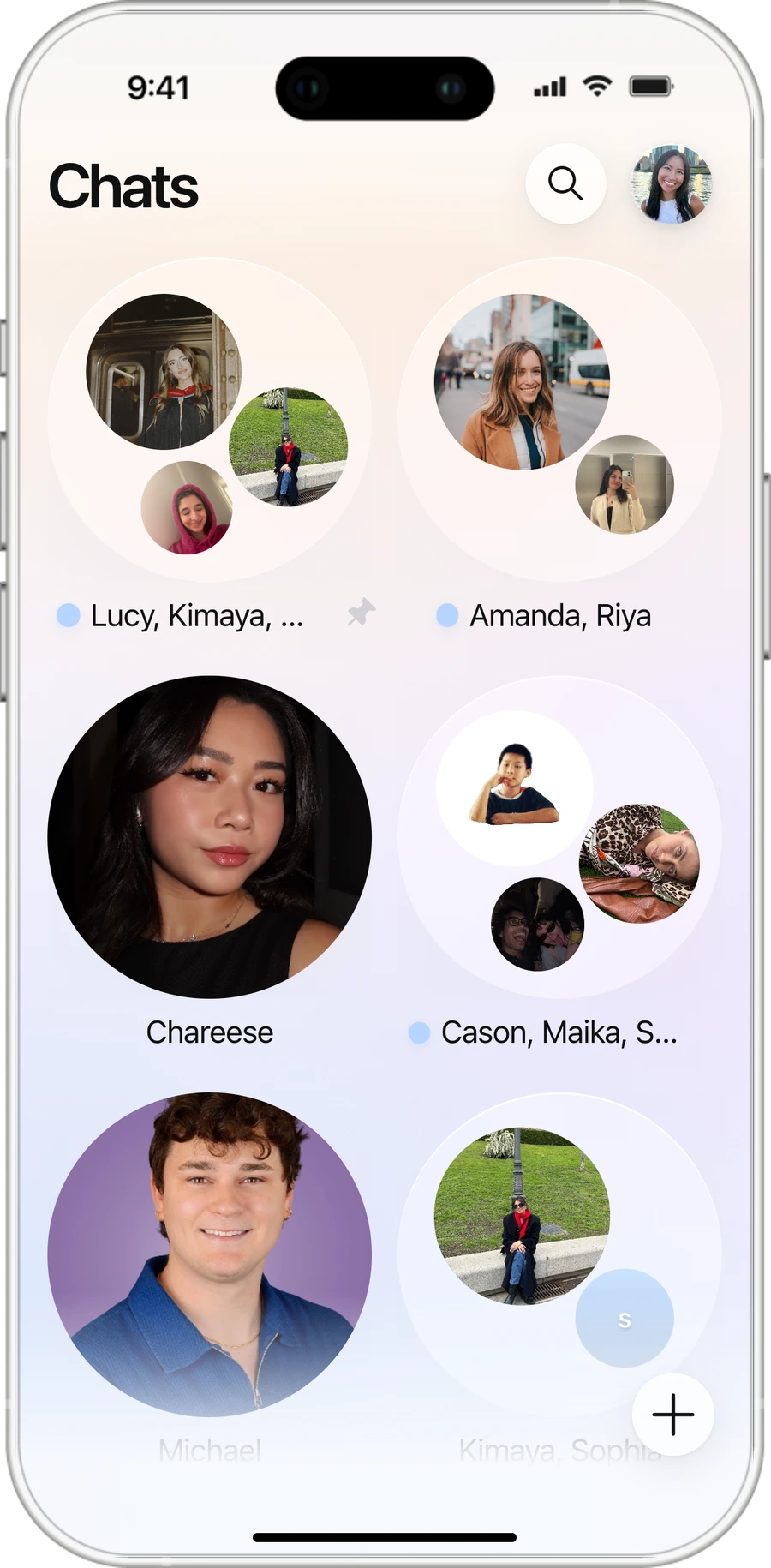
01 · Organize by topic
Thread replies by conversation rather than just chronological order and sender.
02 · Give listeners control over playback
Play topics individually or continuously, with skipping.
03 · Show listening progress
Make played and remaining audio visible.
04 · Prioritize voice over text
Use faces and audio clips instead of persistent transcripts.
Build
From Figma prototype to working product in six weeks
I designed, developed, and launched yap independently using Claude Code, Cursor, and Codex. I owned the product decisions, implementation, testing, and deployment, using AI coding agents to accelerate development without compromising the intended experience.
Stack
Built for frictionless access, without an app download
I chose a progressive web app (PWA) to let friends join through SMS. Browser recording captures memos, serverless AI organizes topics, Supabase syncs conversations, and Twilio handles invitations and notifications.
AI
AI identifies topic changes. Code makes the precise cuts.
Rather than relying on imprecise AI-generated timestamps, yap matches each topic's opening words to word-level transcript timestamps to locate accurate audio boundaries.
…after two.
Omg also, I think…
Precise boundaries
Match AI-identified opening words to transcript timestamps.
Context-aware threading
Distinguish replies to existing topics from new conversations.
Fallbacks
Retry segmentation or preserve the original memo if processing fails.
Sync
Keeping conversations in sync across devices
Behind every yap is a system that keeps recordings, topics, replies, and listening progress synchronized across friends. Supabase manages this shared conversation state in real time, while Twilio sends SMS notifications so friends know when there's something new to hear.
What one memo becomes in Supabase
Design
Translating Figma designs into production with AI agents
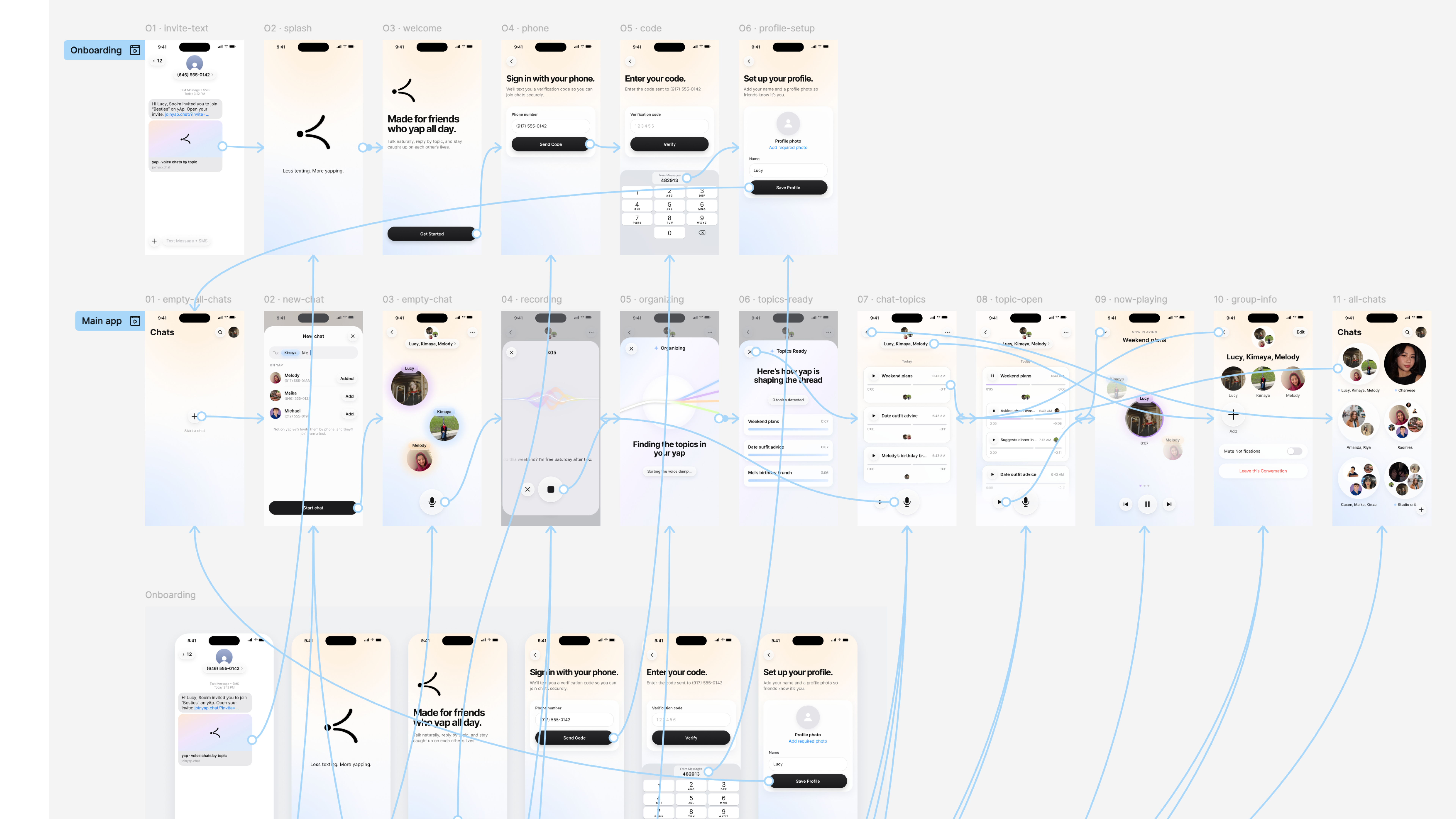
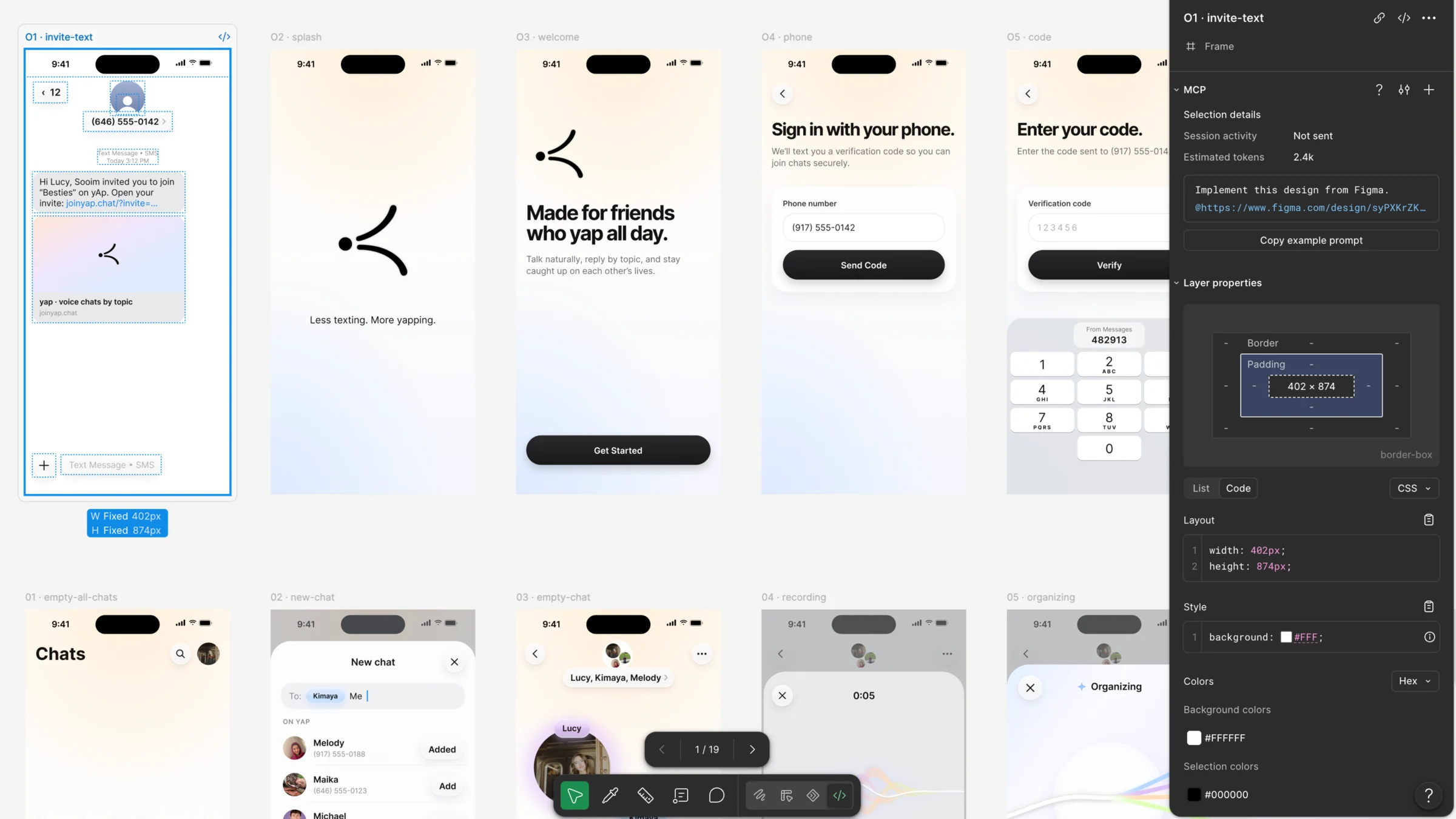
I built a reusable component library in Figma and prototyped the complete user experience before development. Using Figma MCP, I gave coding agents direct access to my designs, then reviewed and iterated on their implementations to ensure the final product stayed consistent with the original design system.
Created a reusable component library
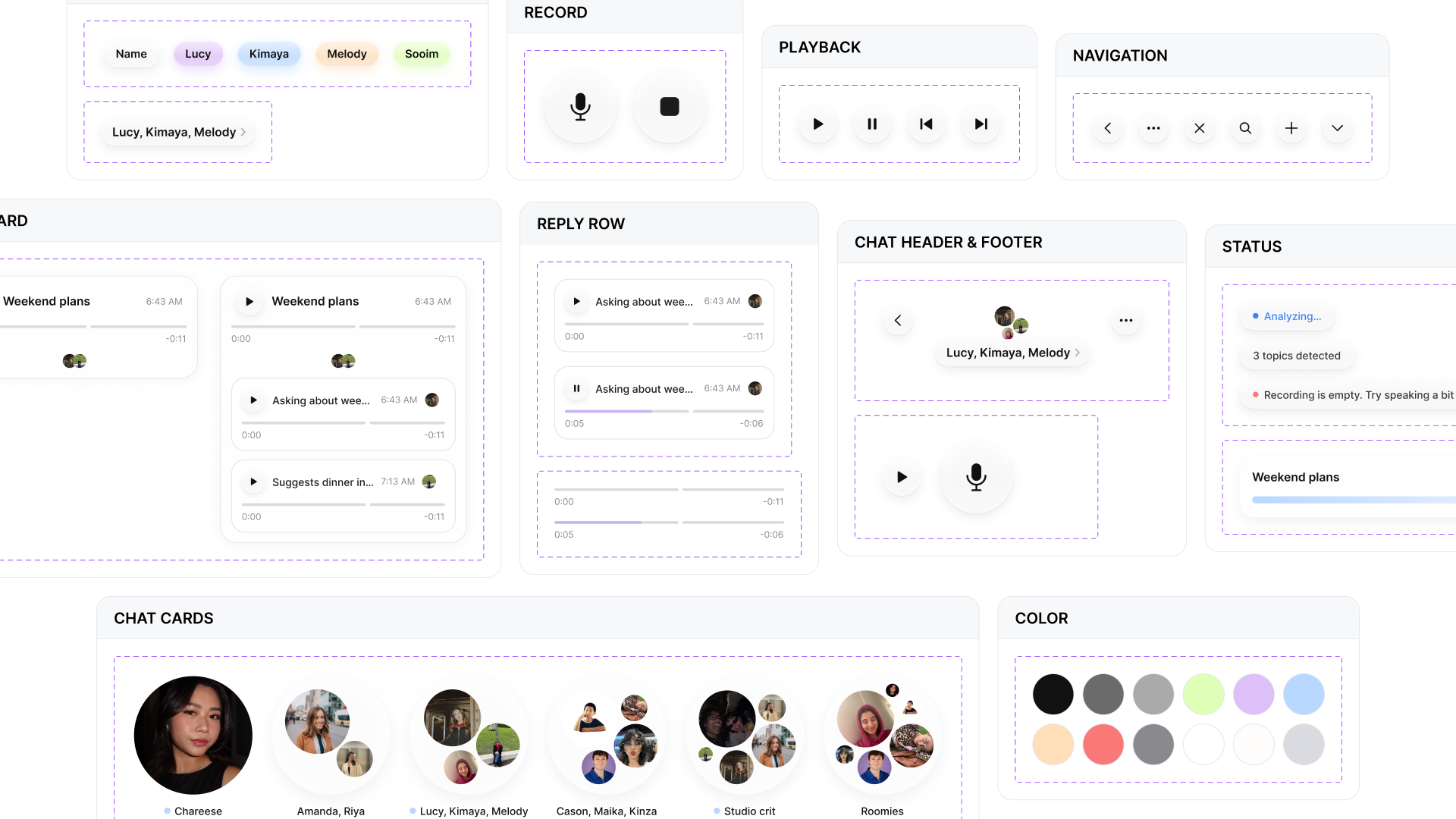
Assembled screens with established components


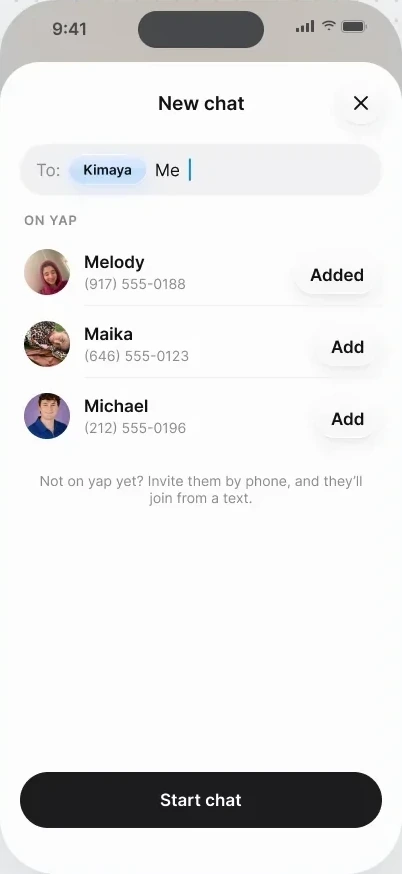
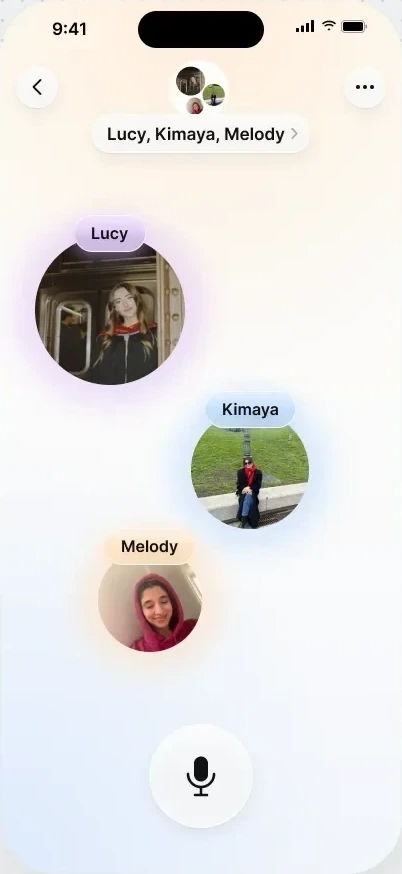
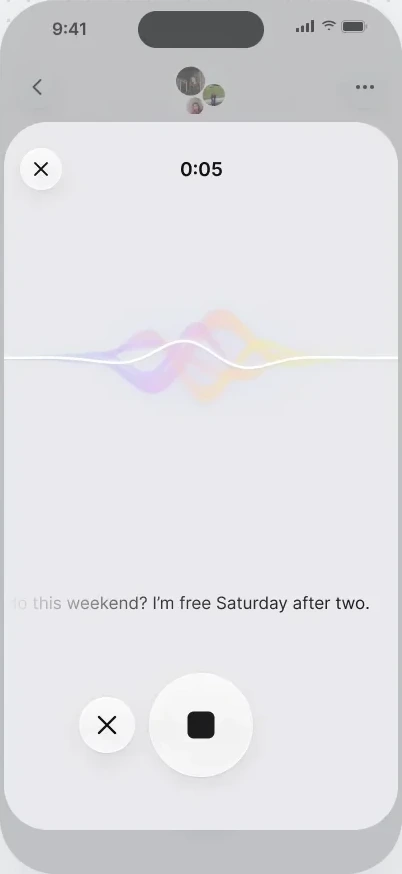
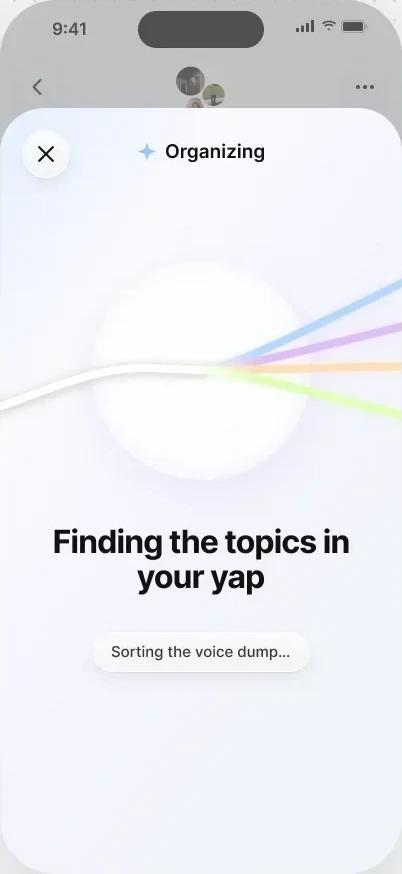
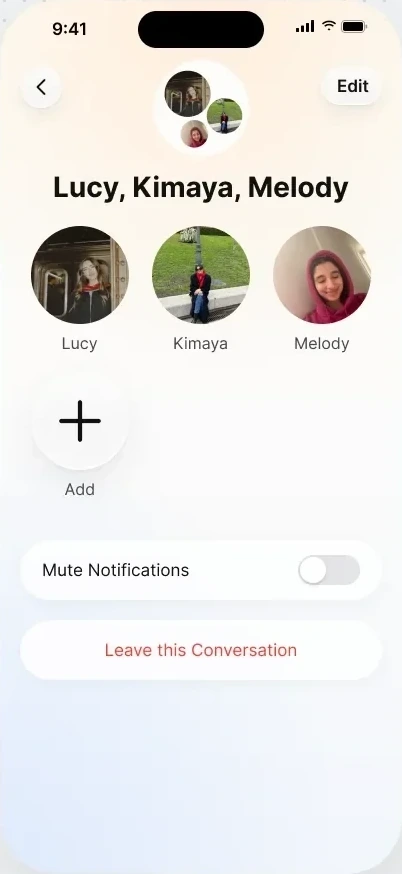
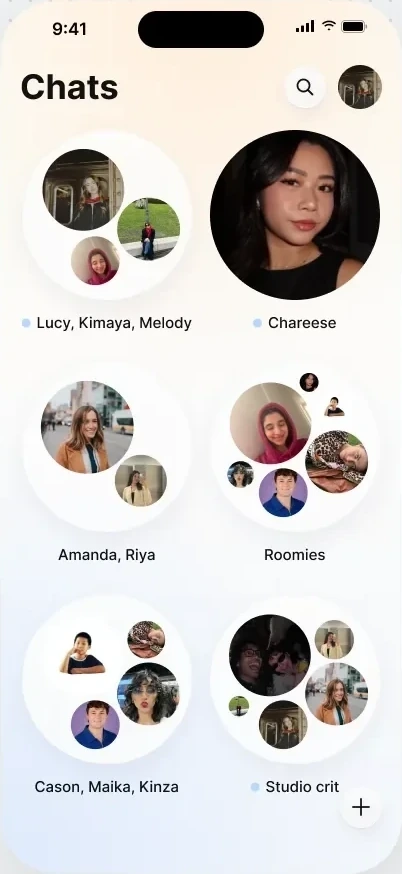
Prototyped user flows
Handed design over to the agents through the Figma MCP
Define
Defining requirements and guardrails for AI development
I documented product requirements, design standards, and agent instructions, requiring functional interactions and reliable messaging even when AI processing fails.
The spec the agents built from
Testing & debugging
Real conversations exposed what early prototypes couldn't.
Remote and in-person testing revealed three critical issues in AI segmentation, playback, and message delivery.
In-person testing
In-person testing
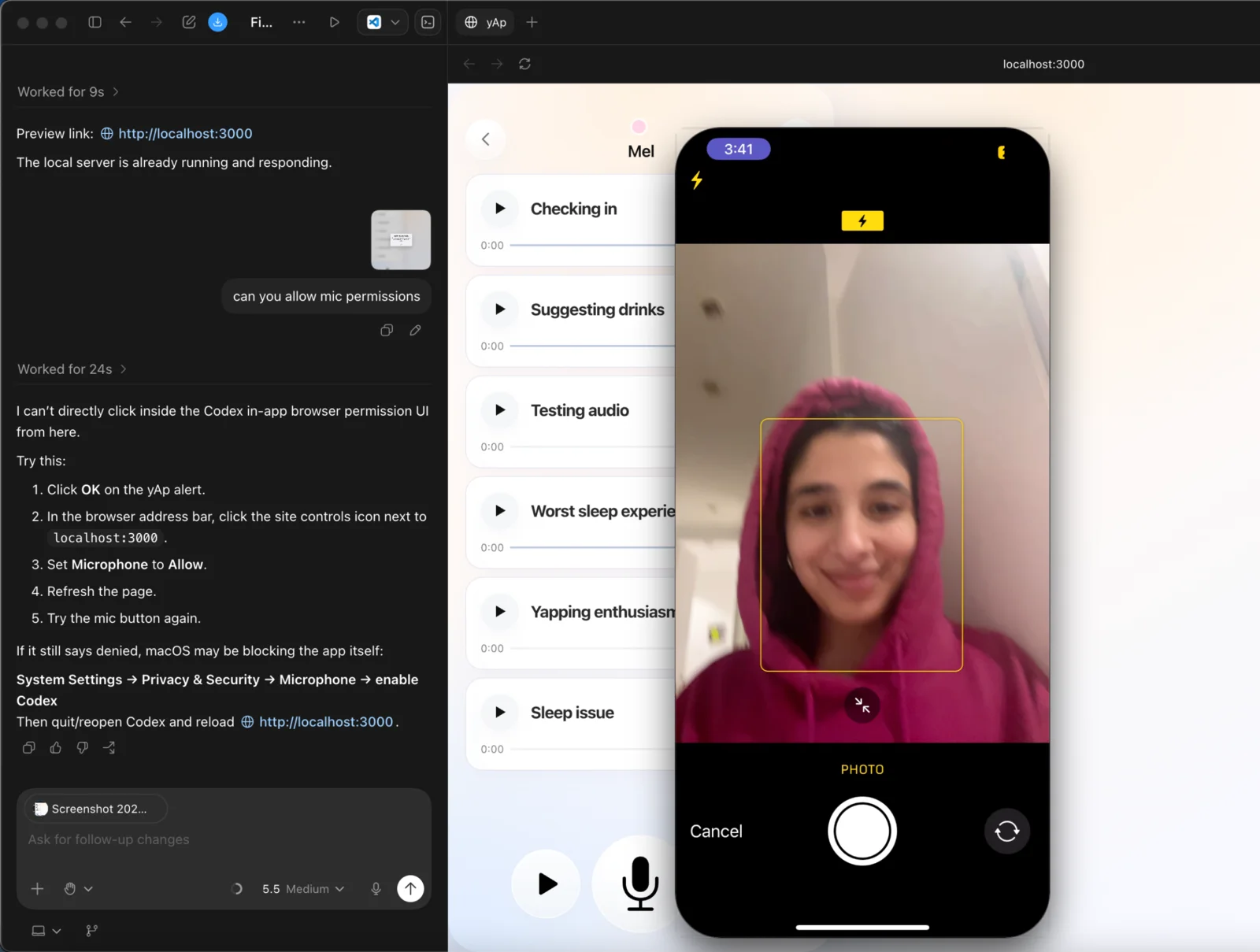
Virtual testing
Bug 01 · AI Segmentation
The AI struggled to accurately separate topics in longer voice memos.
The AI sometimes merged unrelated topics or misidentified their boundaries, preventing accurate playback of individual clips.
I updated the model to return each topic’s exact opening words, which the code matches to word-level transcript timestamps to determine precise audio boundaries. Sentence-based splitting serves as a fallback when segmentation fails.
>Segmentation breaks on long memos in api/process-audio.js. segmentTranscript() returns one segment for a clear 3-topic memo, and when it does split, the model paraphrases, so rebuildSegmentTranscripts() can’t match segments back to the transcript.
1. Update the JSON schema: each segment returns label, excerpt, and start_anchor, the first 3–10 words copied verbatim. Max 6 segments; prefer fewer when a boundary is ambiguous.
2. Resolve boundaries in code: match each start_anchor against the transcribeWordTimestamps() output and cut there. Ignore the model’s start_ms/end_ms.
3. If a long memo still comes back as one segment, fall back to heuristicSplitMemo() at sentence breaks.
Pipeline only, no UI changes. Run the 3-topic memo in demo/data.json and paste each segment with its ms range.
>
Bug 02 · Audio Playback
Playing any topic restarted the entire voice memo.
Although topics appeared as separate cards, tapping any of them played the original recording from the beginning instead of the selected topic's start and end points.
I fixed the playback logic to use each topic's transcript-aligned timestamps, starting audio at the correct offset and stopping at the segment's endpoint without splitting the original recording into separate files.
>Tapping a topic card plays the whole memo. Every topic in a memo shares one audio_url, but its topic_segments rows have start_ms/end_ms missing or set to the full duration, so PlaybackController starts at 0:00 and never stops.
1. In js/core/data.js, add repairVoiceMemoSegmentPlayWindows(): when sibling segments have missing or full-length windows, redistribute them by transcript length.
2. In PlaybackController (js/features/chat.js), seek to activeMeta.startAt before play() and pause on timeupdate at endAt. Never fall back to the full file.
Playback and data only. Repro with a 3-topic memo and log each segment’s startAt/endAt.
>
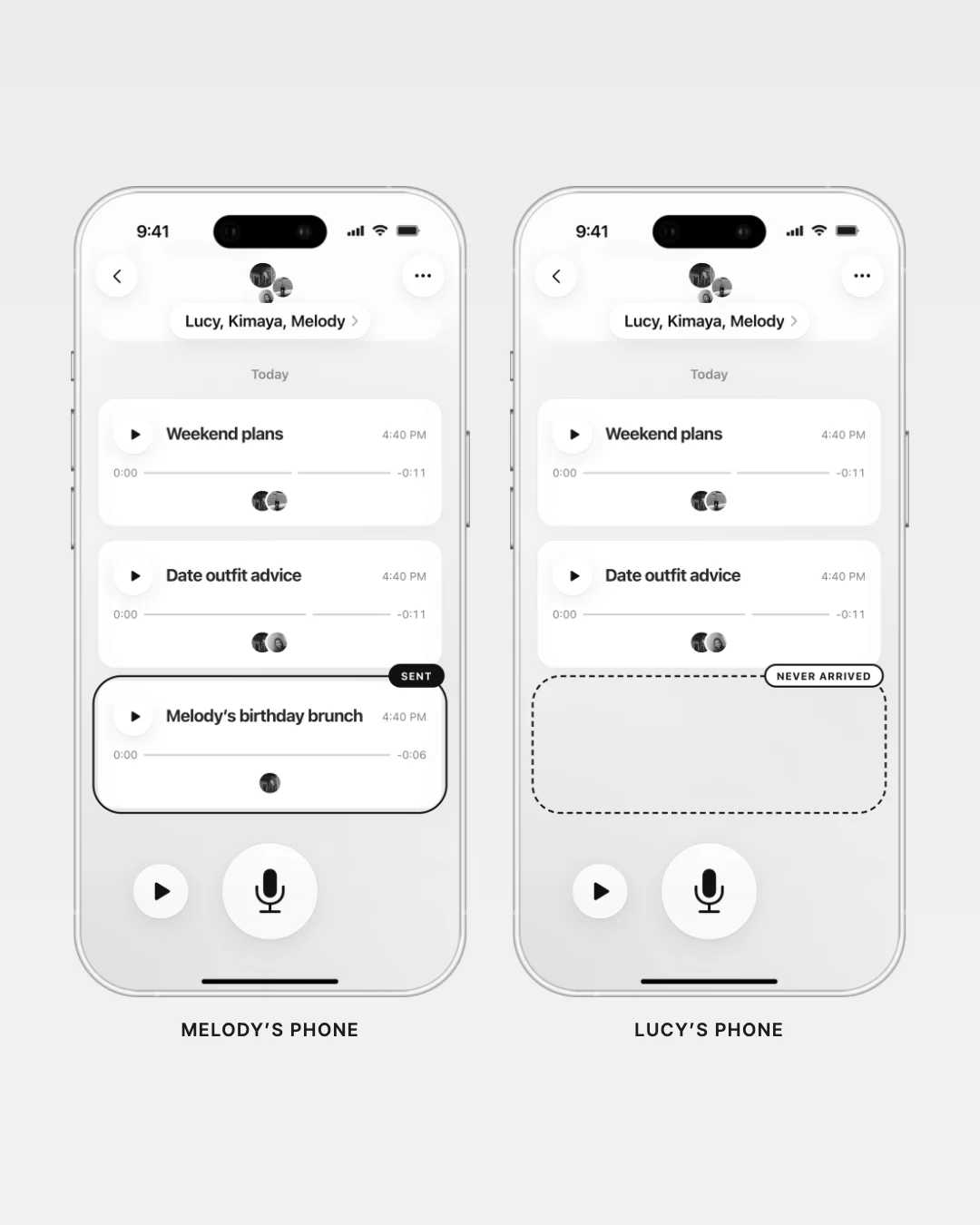
Bug 03 · Sync & Notifications
A successful recording didn’t always mean a delivered message.
During cross-device testing, memos sometimes appeared on the sender’s phone but failed to reach other group members or trigger SMS notifications.
I traced the delivery pipeline across Supabase and Twilio, corrected the synchronization and notification issues, and retested the full flow across devices to verify that recordings and alerts reached their intended recipients.
>Memos show up on the sender’s phone but not for the rest of the group, and SMS alerts often never go out. ensureRealtimeSyncChannel() drops the Supabase channel on CHANNEL_ERROR and never resubscribes, and sendMessageNotifications() sends one request from the sender’s browser with no retry.
1. Realtime: resubscribe when the channel drops, check its state every 30 seconds, and skip the cache on new voice_messages so the memo renders.
2. Alerts: queue one notification_jobs row per recipient, including pending invitees, and have /api/process-notification-jobs send them through Twilio and retry failures.
Sync and delivery only. Send a memo from one phone, confirm it appears on the other two and each gets a text.
>
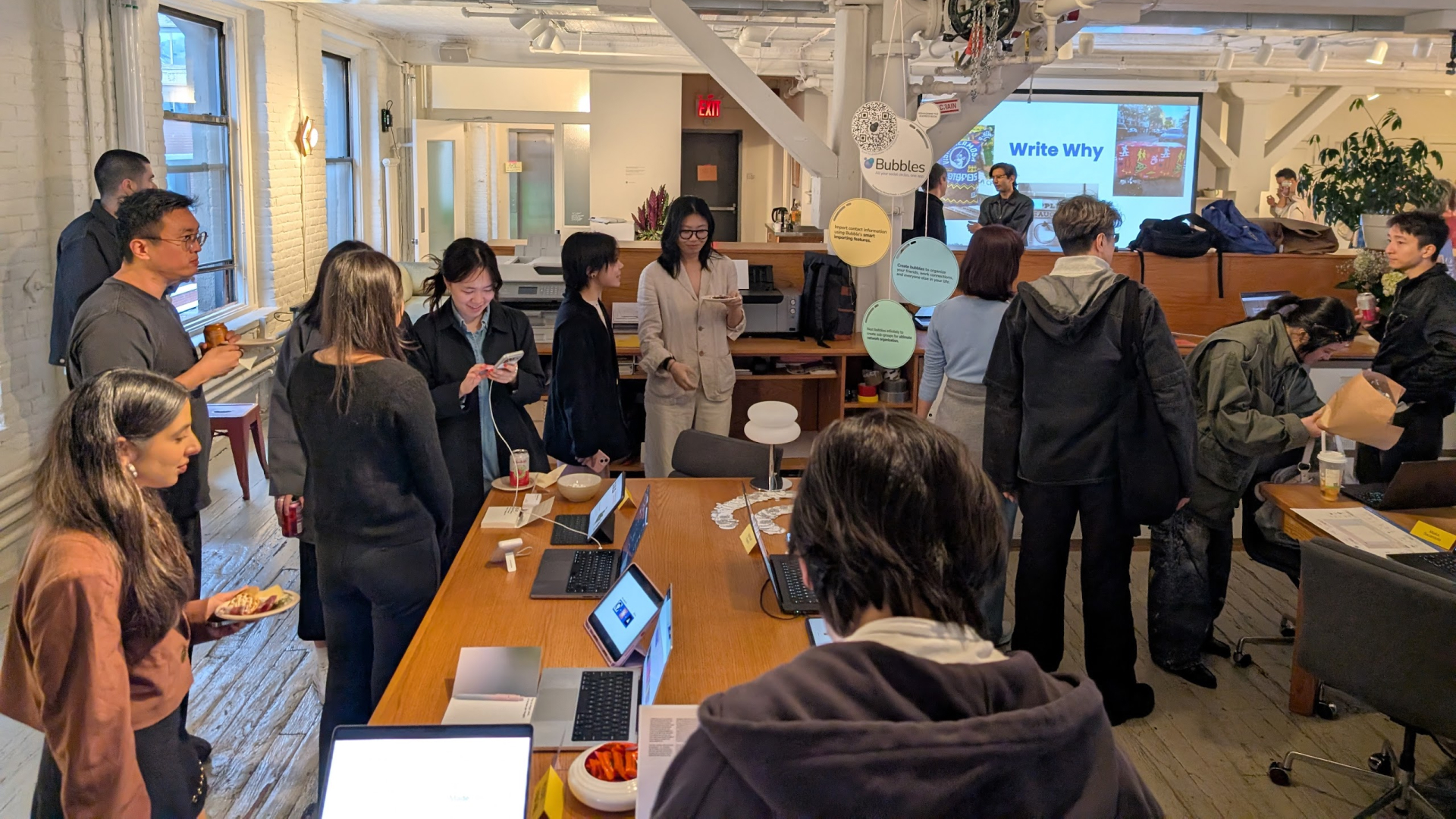
Launch
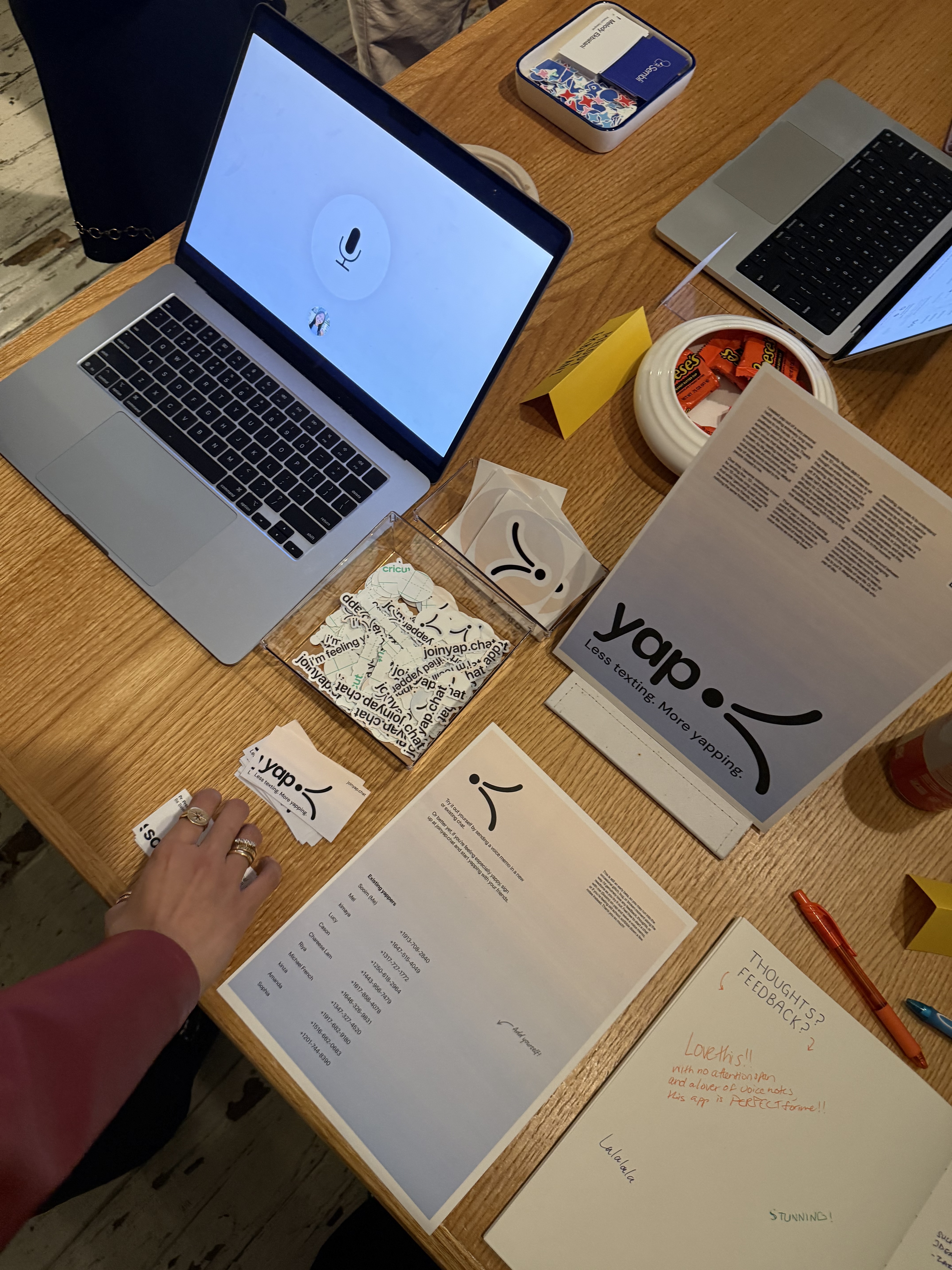
I launched yap live at MPS Communication Design Demo Day 2026.
Visitors could sign up at joinyap.chat ↗ and exchange real voice memos from their own phones. I also created a dedicated station with promotional materials and a feedback notebook to introduce the product and collect firsthand reactions.
Feedback
yap made an impression beyond the demo.
Following Demo Day, an attendee included yap in his tweet of standout projects, describing it as a “voice inbox for extreme yappers.”
that voice inbox got me fam
— Trong Hatachi (@Trong_Hatachi) May 16, 2026
Reflection
Building yap taught me that designing with AI means designing for its limitations, too.
Taking yap from prototype to a working product meant thinking beyond the interface. AI coding agents accelerated development, but making the experience reliable required defining technical constraints, testing real conversations, and resolving failures that only surfaced when people used the product on their own devices.

Takeaway 01 · User behavior
Voice-first design means preserving the spontaneity of speaking while giving listeners more control over how they catch up.
Takeaway 02 · Designing with AI
The quality of an AI-powered experience depends as much on the constraints, fallbacks, and interactions surrounding the model as on the model itself.